table of contents
Public container registries hold millions of images. Many contain container registry secrets like API keys or passwords. One scan in early 2026 found over 10,000 images on Docker Hub with leaks from more than 100 organizations.
You pull these images into production without a second thought. Attackers do the same. They grab live credentials for clouds or databases.
This guide shows you how to audit registries like Docker Hub, Quay.io, and Google Artifact Registry. You will learn detection steps, tools, and fixes. Start scanning today to spot risks before they hit your systems.
Risks in Major Public Registries
Docker Hub leads with billions of pulls yearly. Yet scans reveal persistent problems. In January 2026, Qualys checked 34,000 images and flagged 4% with malware plus exposed secrets.
Recent attacks highlight the danger. Attackers hijacked the Checkmarx KICS repo on Docker Hub in April 2026. They overwrote tags like “latest” with malicious images that stole CI/CD secrets. Docker later confirmed similar issues with Trivy images, compromising SSH keys and cloud creds from March pulls.
Quay.io and Google Artifact Registry face similar threats. Images often pull from untrusted bases. Secrets stay even after developers delete them from later layers.
These leaks cost time and access. A bank’s architect exposed 430 images with AI tokens. No one noticed until a public scan.
You need audits because public means anyone can push. Private registries help, but first clean up what’s out there.
Where Secrets Hide in Container Images
Secrets embed deep in images. Layers build immutably, so a deleted file in layer five still exists in layer four.
Check image history first. Run docker history <image> to see commands. Secrets appear in ENV vars, build args, or files like .env.
Manifests list layers. Tools unpack them to find cached layers with keys. Environment variables persist across runs.
Build history reveals more. docker inspect shows metadata. Published artifacts like configs or scripts often hold tokens.
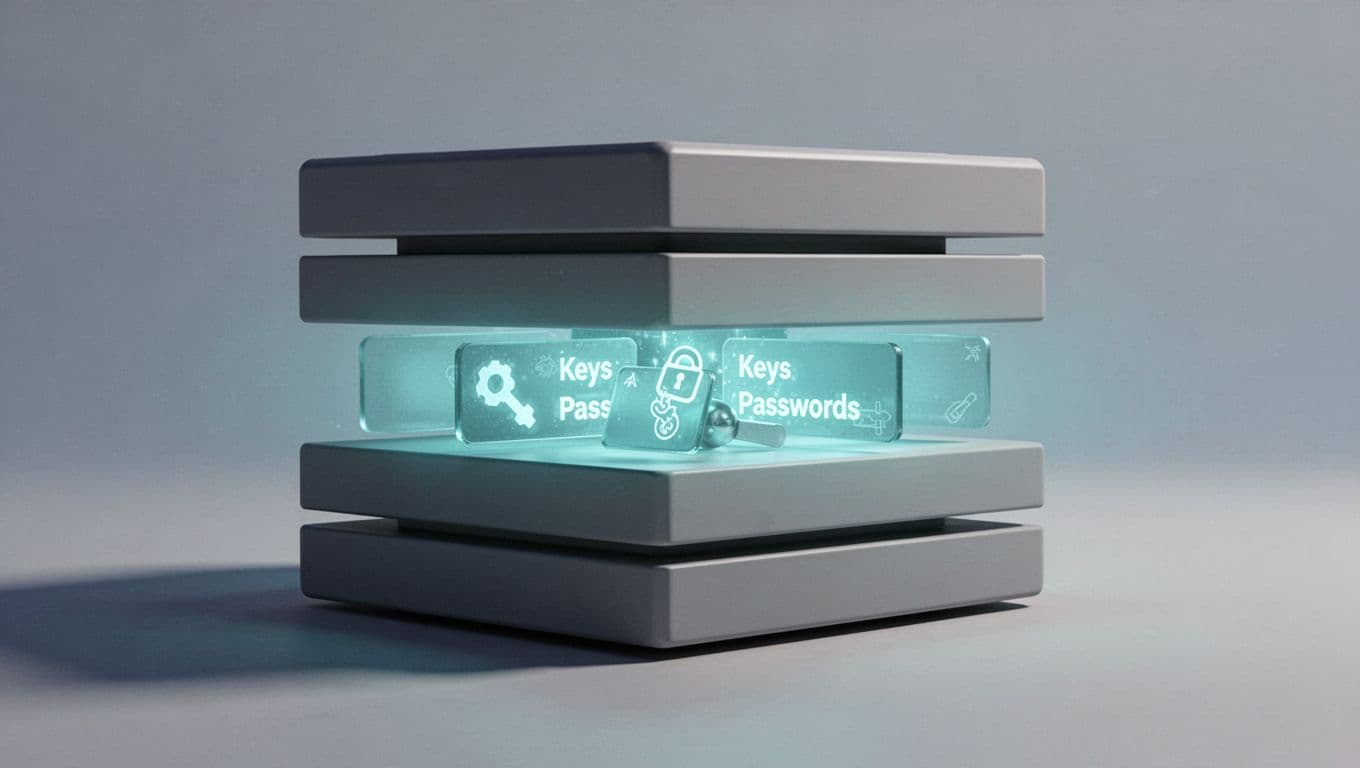
GitGuardian research shows cached layers on Docker Hub hide many leaks. For details, see their container registries scanning guide.
You miss these without full layer scans. Base images from years ago compound the issue.
Tools for Registry Audits
Pick tools that scan layers, files, and history. Open-source options fit most teams.
Trivy stands out. It detects secrets by default in images and filesystems. Install with brew install aquasec/trivy/trivy, then run trivy image --scanners secret yourorg/yourimage:latest. Output flags passwords or keys with severity.
TruffleHog uses entropy and patterns. It verifies via APIs to cut false positives. Great for deep digs: trufflehog docker yourregistry/image:tag.
Grype from Anchore pairs secrets with vulns. Integrate in CI/CD.
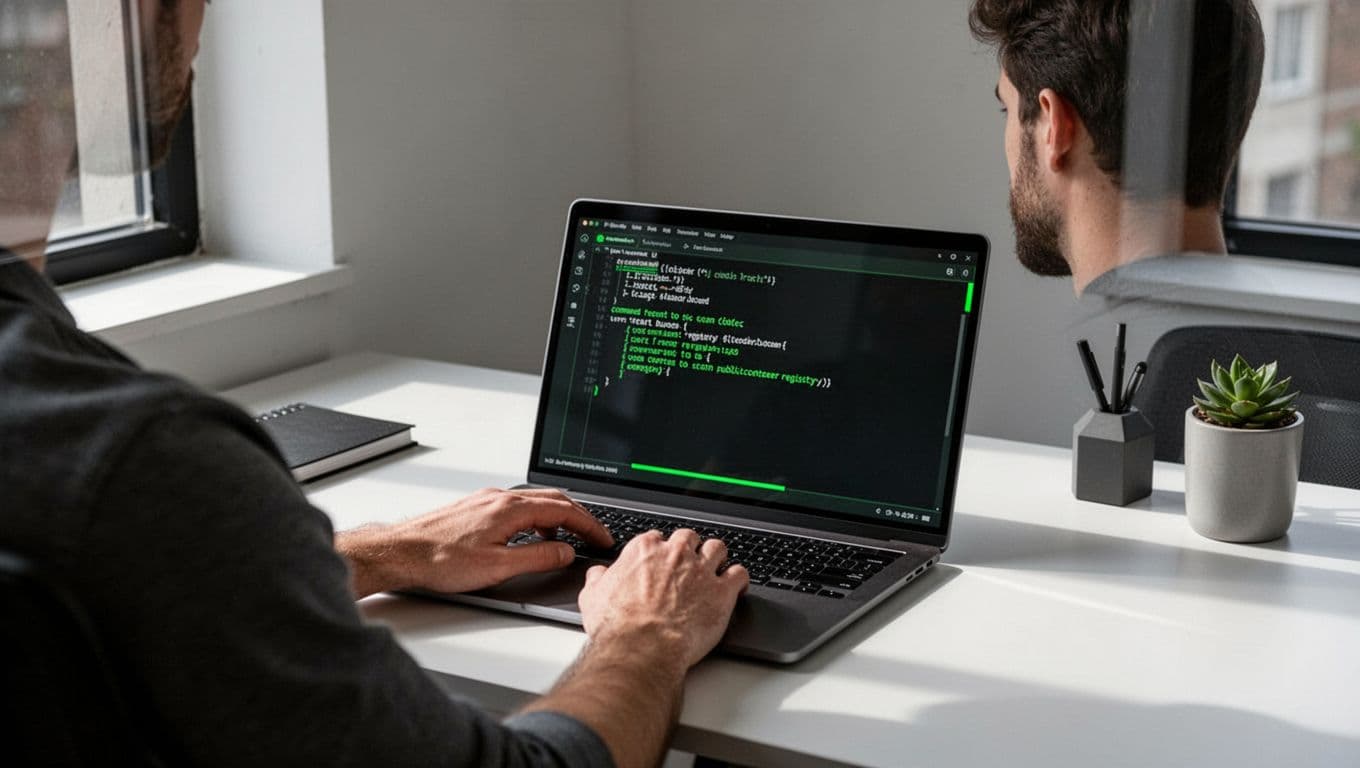
For registries, check Trivy secret docs. Commercial picks like GitGuardian or Snyk add dashboards and alerts.
| Tool | Secret Detection Method | Best Use Case |
|---|---|---|
| Trivy | Patterns in layers/files | Quick CI/CD scans |
| TruffleHog | Entropy + API checks | Verify high-value finds |
| GitGuardian | Real-time registry hooks | Team-wide monitoring |
Start with Trivy. It runs fast on public images.
Conducting the Audit
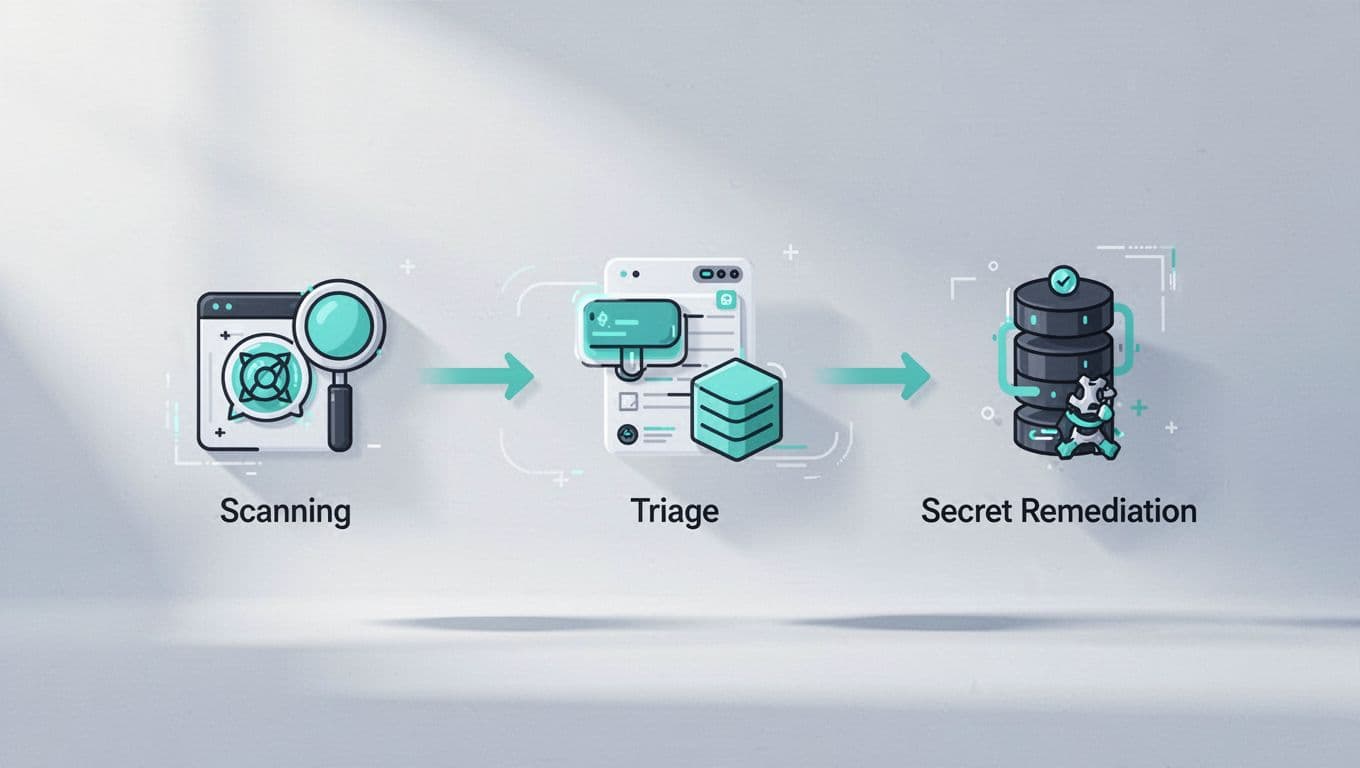
Follow these steps for a full audit. Focus on your org’s namespaces first.
- List images: Use registry APIs or
skopeo list-tags docker://docker.io/yourorg. - Pull and scan:
trivy image --scanners secret --format json --output results.json image:tag. Review JSON for RuleID and entropy scores. - Check history:
docker run --rm image sh -c "cat /proc/1/environ" | tr '' 'n'for env vars.
Audit checklist:
- Scan all tags, not just latest.
- Skip base image dirs with
--skip-dirsfor speed. - Export manifests:
oras manifest fetch docker.io/library/hello-world:latest.
Run weekly via cron or GitHub Actions. Tools like go-pillage-registries pull manifests for bulk checks.
Triage Findings and Assess Severity
Not all secrets matter. Triage by privilege.
High severity: Prod API keys, DB passwords. Check if active with curl -H "Authorization: Bearer <key>" https://api.example.com.
Medium: Test creds or old tokens. Low: Hashes or fakes.
Rotate immediately. Use AWS IAM or HashiCorp Vault. Revoke via provider consoles.
Remediate by rebuilding images without secrets. Push signed versions with cosign.
Prevention and Best Practices
Stop leaks upfront. Scan Dockerfiles in CI: trivy fs --scanners secret .
Use multi-stage builds. Copy secrets only in builder stages.
Publishing checklist:
- Never commit
.envfiles. - Set
--security-opt no-new-privileges. - Sign images:
cosign sign yourimage. - Block public pushes in policies.
Monitor with webhooks. GitGuardian integrates for push alerts.
For ongoing help, book a discovery call with Bud Consulting. They vet DevSecOps talent for these workflows.
Key Takeaways
Audits catch container registry secrets before compromise. Tools like Trivy make it simple, and steps ensure quick fixes.
Public registries like Docker Hub still leak thousands monthly. You control your response.
Build scans into pipelines now. Your next pull could expose more than code.