
table of contents
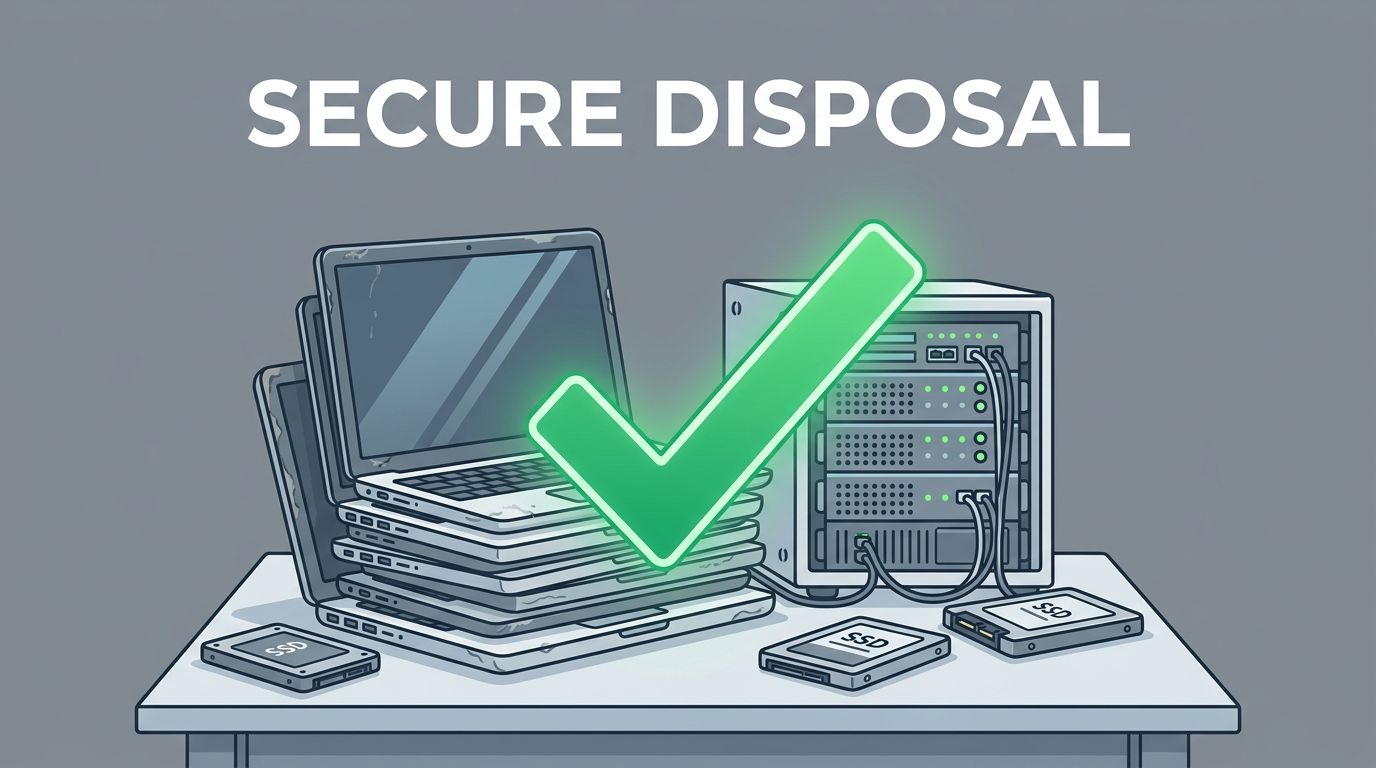
Old hardware can hold more data than many teams expect. A retired laptop, a forgotten server, or a drawer full of SSDs can still expose client files, credentials, and personal records if disposal gets sloppy.
A data disposal policy turns cleanup into a controlled process. It tells staff what to do, when to do it, and how to prove the work happened.
Why a data disposal policy matters now
As of April 2026, NIST SP 800-88 Rev. 2 is the clearest reference for media sanitization. It defines Clear, Purge, and Destroy, which helps teams match the method to the risk. See the current NIST SP 800-88 Rev. 2 guidance for the source standard.
That matters because old hardware rarely leaves through one neat path. Devices get reused, donated, recycled, repaired, or shipped across sites. Each move creates a chance for data loss.
If a device ever held sensitive data, a factory reset is not a policy.
Privacy rules also raise the stakes. Some records need documented destruction, while others need longer retention before disposal. If your team handles regulated data, the policy should line up with legal hold, privacy, and e-waste rules. A good starting point is a broader data retention and destruction policy framework.
Build the policy around each device type
A policy fails when it treats every device the same. Laptops, hard drives, SSDs, phones, and servers store data in different ways, so they need different controls.
Start with a simple asset inventory. Track the serial number, owner, data class, location, last user, and final method used. That record becomes your proof if an auditor asks later.

A quick matrix helps staff choose the right method without guessing.
| Device type | Good default method | Notes |
|---|---|---|
| Laptops and desktops | Purge or Destroy | Remove the drive first if the device may be reused. |
| Hard drives | Purge or Destroy | Degaussing applies to magnetic media, not SSDs. |
| SSDs | Purge or Destroy | Use cryptographic erase when supported, then verify. |
| Mobile devices | Approved erase plus reset | Include SD cards and any removable storage. |
| Servers and arrays | Sanitize each drive separately | Keep drive-by-drive records for failed or replaced media. |
The main point is simple, the method should fit the media, not the budget. When data risk is high, physical destruction is often the safest finish.
Write the operating rules your team can follow
A policy works only when people can use it on a busy day. Keep the rules short, direct, and easy to repeat.
Use these five building blocks:
- Define ownership. Name who approves disposal, who performs sanitization, and who signs off on the record.
- Set approved methods. List the tools, wipe methods, and destruction options your team may use.
- Lock down proof. Save serial numbers, dates, operator names, test results, and certificates of destruction.
- Add exception handling. Damaged drives, locked phones, and failed wipes need a fallback path.
- Set record retention. Keep disposal records long enough for audit, contract, and legal review.
For many companies, the most useful rule is the simplest one. If a device leaves your control, the policy should require Purge or Destroy unless a risk review says otherwise.
That same review is where vendor due diligence matters. If you use an ITAD partner, ask for chain-of-custody records, downstream recycling details, and proof of certified destruction methods. A useful reference is how ITAD providers ensure data erasure.
When your internal team needs help turning policy into practice, Book a Discovery Call with Bud Consulting to talk through the controls, roles, and review process.
Common mistakes that cause trouble later
A lot of disposal problems come from small shortcuts. Those shortcuts become expensive when records are missing.
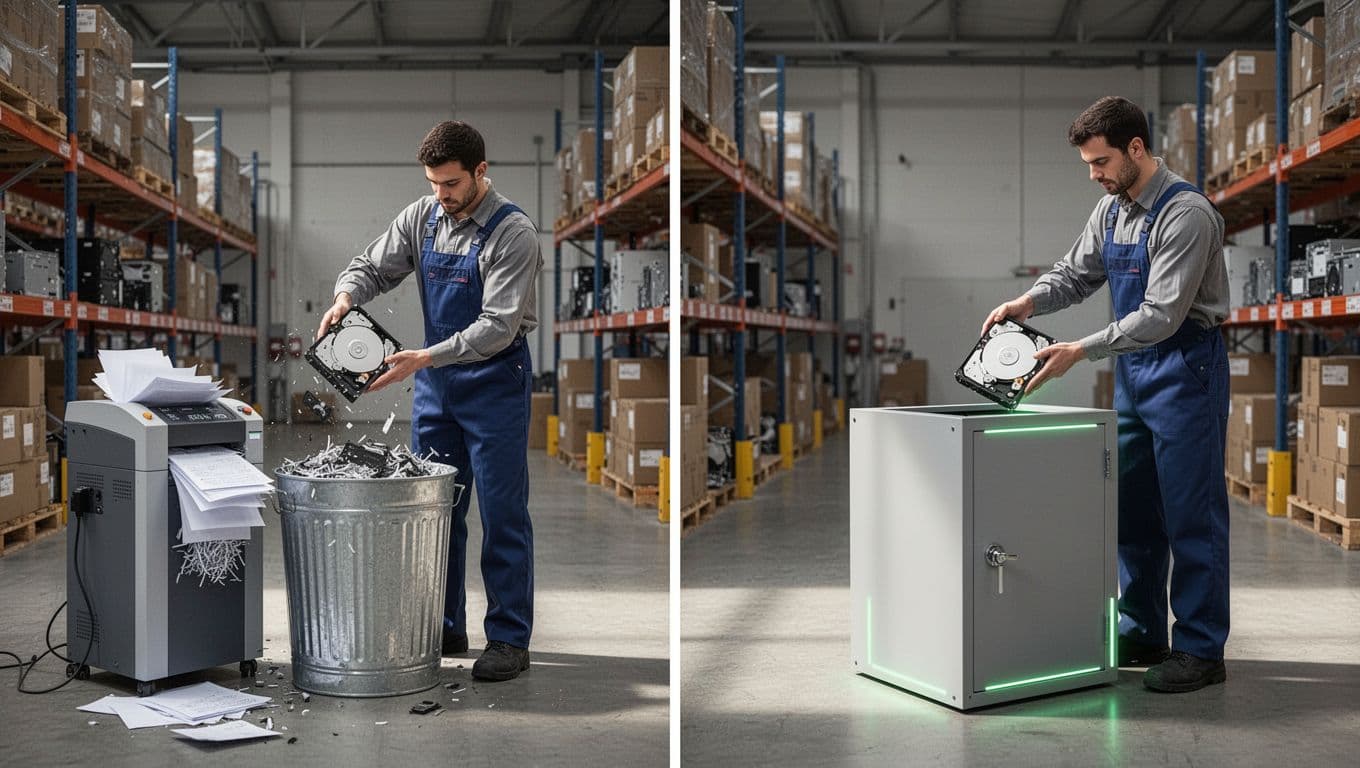
Watch for these problems:
- Factory resets used as the only step for every phone or laptop.
- Missing SD cards, USB drives, and external backups during collection.
- No inventory, which makes lost assets hard to prove or find.
- Vendor claims accepted without a certificate or chain-of-custody log.
- Old drives tossed into recycling bins before sanitization is complete.
Certified ITAD or destruction vendors make sense when you have high volumes, multiple sites, sensitive records, or no in-house capacity. They also help when you need secure destruction for failed drives or end-of-life servers. Before you sign, review certifications, insurance, audit rights, and downstream recycler controls.
Keep the policy alive after the first cleanup
A strong policy does three things well. It matches the method to the media, tracks every asset, and keeps proof that the work happened.
That approach is still the safest one in 2026, especially with NIST’s Clear, Purge, and Destroy model as the baseline. Old hardware should leave with no loose ends, no missing records, and no guesswork.




