table of contents
Hackers stole 700GB of data from Project 1631 in April 2026. This nonprofit fights human trafficking. The breach exposed donor info and operations. Nonprofits like yours hold sensitive data on donors, beneficiaries, and finances. Yet tight budgets leave many exposed.
You face rising threats. Identity attacks use stolen logins. Ransomware steals data and threatens leaks. Third-party vendors cause 30% of breaches. Downtime from DDoS hits fundraisers hard. A solid nonprofit security budget changes that. It funds high-impact steps without draining resources.
This guide gives you practical steps. You’ll learn benchmarks, priorities, and a sample budget. Start building protection that fits your reality.
Why Nonprofits Face Unique Cyber Risks
Nonprofits manage donor lists, grant details, and personal stories. These attract cybercriminals. Groups with under $500,000 budgets make up 88% of U.S. charities. Most lack cyber response plans.
Phishing emails fool staff into sharing logins. AI makes fakes look real. They mimic leaders or urgent grant requests. Ransomware now leaks data even after backups restore systems. Reputational harm lasts years. Vendor breaches spread fast. One hack in a donation platform affects dozens of nonprofits.
In 2026, operational hits grow. DDoS attacks time with campaigns. Fake invoices trick finance teams. Job scams target HR. Malware jumped 70% last year. Staff using unapproved AI tools leaks data.
Limited IT teams worsen this. You can’t match corporate defenses. But you don’t need to. Focus on basics stops most attacks. For details on threats, check cyber risk trends for nonprofits in 2026.
Your mission depends on trust. A breach erodes donor confidence. Lost funds hurt programs. Build a budget now. It safeguards what matters.
Set Realistic Spending Benchmarks
How much fits your nonprofit security budget? Start with your total operating budget. Tech and security often take 6-7% for small to midsize groups. That’s a baseline from NTEN data, adjusted for post-pandemic needs.
Security as part of IT spend varies. General benchmarks show 9-13% of IT budgets go to security. Nonprofits lag. Many spend zero dedicated. Aim for 10-15% of IT as a start. For a $50,000 IT budget, that’s $5,000-$7,500 yearly.
Benchmarks help justify asks. Larger firms hit 25% security in IT. Small ones average 5%. Yours can grow 11% yearly, matching medians.
| Organization Size | IT as % of Operating Budget | Security as % of IT |
|---|---|---|
| Under $500K annual | 4-6% | 8-12% |
| $500K-$5M annual | 5-7% | 10-15% |
| Over $5M annual | 6-8% | 12-20% |
This table pulls from surveys like the 2024 ACA Cybersecurity Benchmark. About half increased budgets last year. Use it to compare. If under benchmark, pitch growth.
Track growth drivers. Phishing defense and backups top lists. For full reports, see the 2024 Cybersecurity Benchmarking Survey.
Adjust for your scale. A 10-person team needs less than 100. Focus on per-user costs. $25-75 monthly per user covers core controls via managed services.
Key Priorities for Nonprofit Security Spending
Pick wins first. Multi-factor authentication (MFA) blocks 50% of logins. It’s free or cheap. Endpoint protection scans devices. Backups recover ransomware. Training spots phishing. Access controls limit damage. Patching fixes holes. Plans guide responses.
Here’s a starter list:
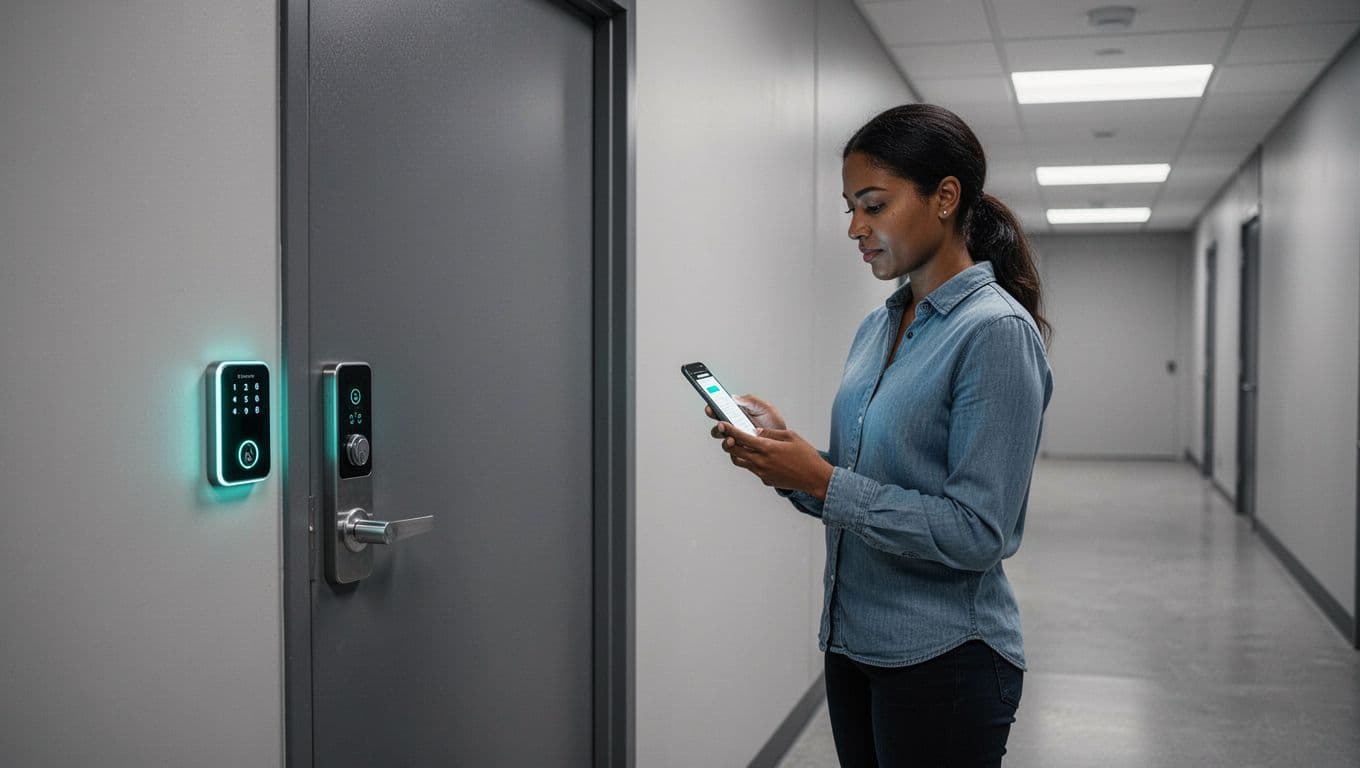
MFA tops priorities. Use app-based, not SMS. Roll it out to email, finance, admins. Cost: Free with Microsoft 365 Nonprofit or $2/user monthly.
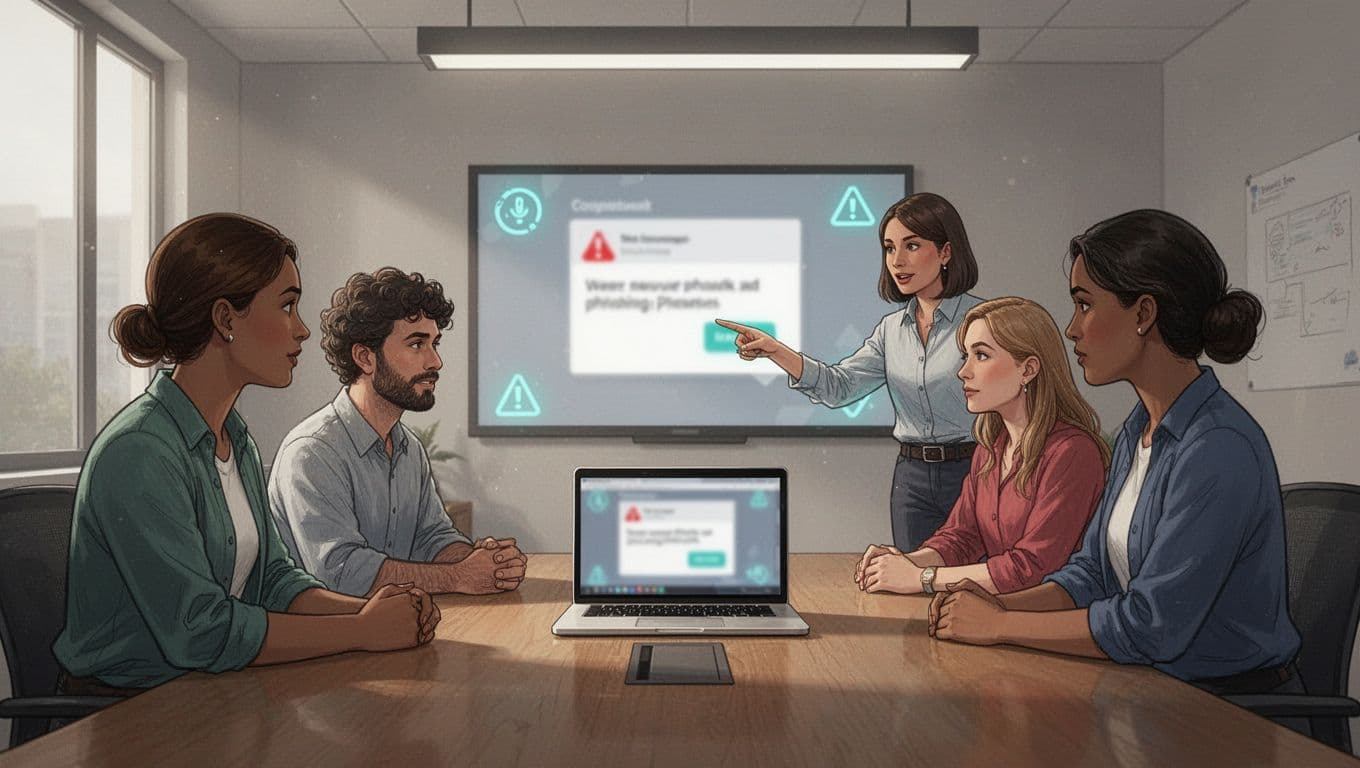
Staff training cuts errors. Run phishing sims yearly. Cover AI fakes and scams. Free tools like KnowBe4 Community Edition work. Budget $500-1,000 yearly for 20 staff.
Backups save missions. Store offsite, test quarterly. Tools like Backblaze cost $6/TB monthly.
Endpoint tools protect laptops. Microsoft Defender suits nonprofits. Add $5/user monthly.
Access controls use role-based logins. No shared passwords. Password managers like Bitwarden cost $4/user yearly.
Patching automates updates. Incident plans outline steps. Free templates exist.
For best practices, read 11 cybersecurity tips for small nonprofits. These cover 5-7 core controls at low cost.
Allocate 20-30% to MFA, 30-40% training, 20-30% backups. Rest for patching and plans.
A Simple Prioritization Framework
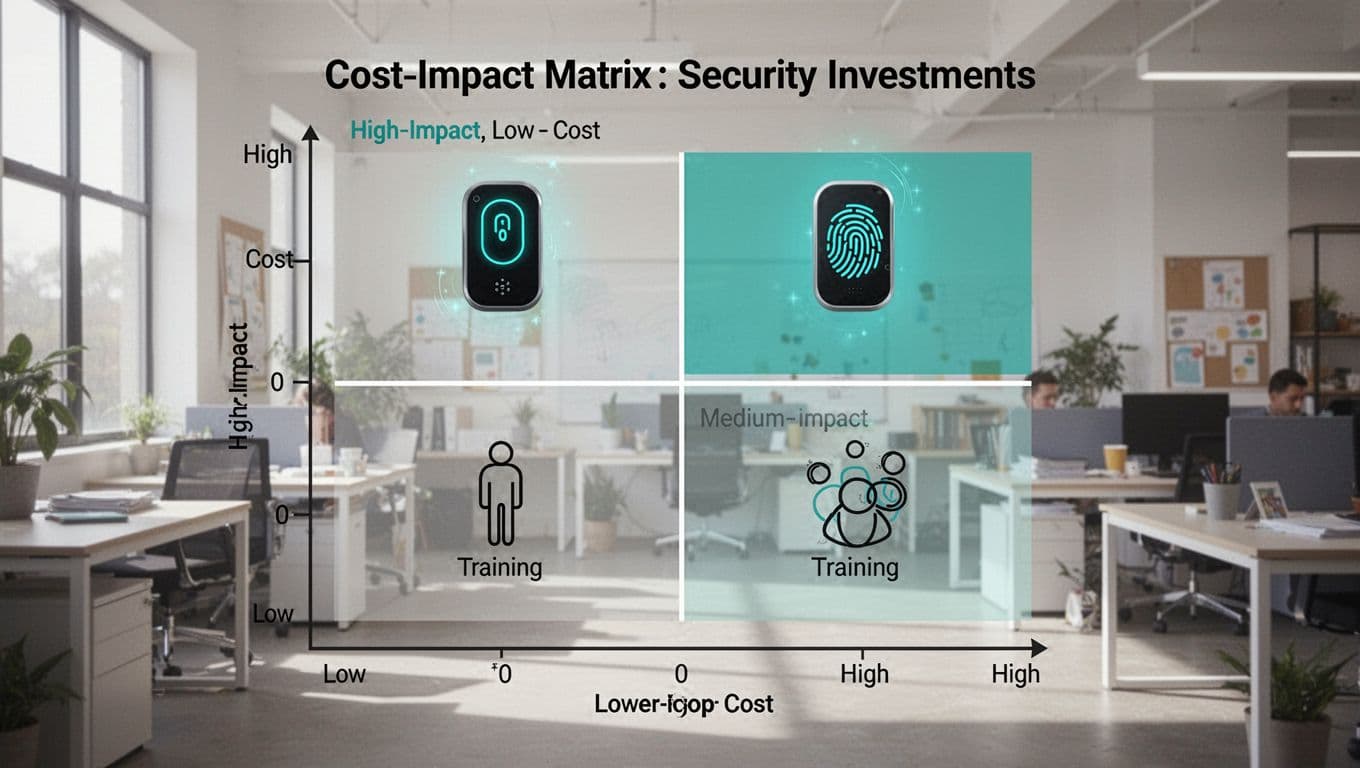
Not all spends equal. Use cost vs. impact. Plot items on a matrix. High impact, low cost first.
Low cost, high impact: MFA, training, password managers. Do these now.
Medium: Backups, endpoint protection.
High cost, low impact: Fancy firewalls. Skip unless needed.
Steps to apply:
- List current gaps. Survey staff on phishing tests.
- Score impact. Does it stop common attacks?
- Estimate cost. Free? Under $1,000 yearly?
- Pick top quadrant. Fund those.
- Review quarterly. Threats shift.
This framework fits lean teams. See cybersecurity for nonprofits guide for similar steps.
Example: A food bank skips AI monitoring first. It adds MFA and training. Incidents drop 60%.
Revisit after big changes. New CRM? Check vendors.
Sample Nonprofit Security Budget Breakdown
Build a template. Assume $100,000 operating budget. IT at 6% ($6,000). Security 12% ($720 yearly).
Scale up or down. Per-user math helps.

| Line Item | Description | Annual Cost | % of Security Budget |
|---|---|---|---|
| MFA & Password Manager | App-based for all accounts | $240 (20 users x $1/mo) | 33% |
| Staff Training | Phishing sims, awareness sessions | $300 | 42% |
| Backups | Offsite, automated | $120 | 17% |
| Endpoint Protection | Antivirus, basic EDR | $100 | 14% |
| Incident Response Plan | Template + tabletop exercise | $60 (tools) | 8% |
| Patching & Access Tools | Automation scripts | Free-$50 | 7% |
| Total | $870 | 100% |
This covers 20 staff. Over budget? Cut training to free version. Under? Add vendor reviews.
For a $1M budget, scale to $7,200 security. Add cyber insurance at $2,000.
Line items justify easily. Show ROI: Training pays back in avoided breaches. Breaches cost $25,000 average for small nonprofits.
Track spends monthly. Adjust based on incidents.
Justify and Defend Your Security Budget
Boards question every dollar. Tie security to mission. A breach halts services. Donors flee.
Use stats. 60% of nonprofits hit in two years. No plan in 68%. Your budget prevents that.
Pitch framework. “High-impact, low-cost first. MFA stops half attacks.”
Show samples. Table above proves affordability.
Forecast risks. 2026 sees more vendor hits. Budget covers reviews.
Engage board. Run a phishing test. Show results.
For benchmarks, reference how much nonprofits should spend on cybersecurity.
If gaps persist, consider partners. Managed services at $25/user monthly scale protection.
Watch Vendor Risks and Cyber Insurance
Vendors pose hidden threats. Review contracts. Ask for SOC 2 reports. Limit data shared.
Budget $200 yearly for audits. Free tools check basics.
Cyber insurance covers breaches. Policies start at $1,000. Covers legal, PR. Weigh deductibles.
Not all need it first. Build basics, then insure.
See nonprofit cybersecurity protections needed for vendor tips.
Partners help. Book a Discovery Call with Bud Consulting to assess gaps.
Conclusion
A smart nonprofit security budget starts with priorities like MFA, training, and backups. Benchmarks guide amounts. Your framework ensures impact.
Threats like the Project 1631 breach show urgency. Act now. Protect donors and mission.
Review yearly. Scale as you grow. Strong security builds lasting trust.