table of contents
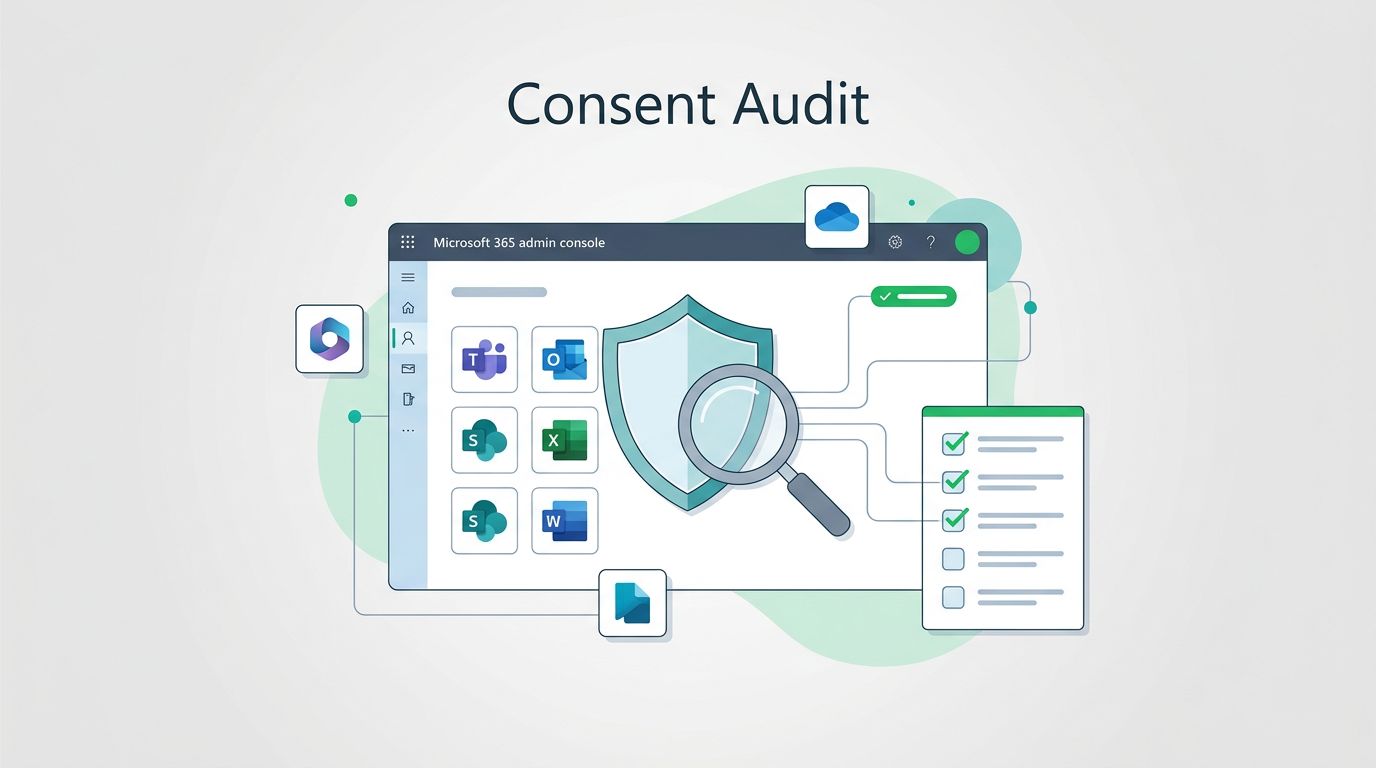
OAuth app consent can open access to mail, files, calendars, and directory data in one click. That is why a clean audit matters more than a long app list.
The tricky part is sorting normal business tools from risky grants. Some apps need broad access, but many approvals are stale, over-scoped, or tied to no clear owner.
Quick summary: Review audit logs, enterprise apps, user consent settings, and granted permissions. Then focus on tenant-wide admin consent, suspicious scopes, and apps without a verified publisher.
Table of contents
- Start with audit logs and granted permissions
- OAuth app consent audit workflow
- Spot high-risk permissions and tenant-wide admin consent
- Reduce future consent risk
- FAQs
Start with audit logs and granted permissions
Begin with the data that tells you who approved what. Microsoft’s app consent grant investigation guide is the best starting point when you suspect abuse.
For a routine review, pull four views, consent events, enterprise apps, user consent settings, and the permission list for each app. That gives you the full picture without guessing.
| Review area | Where to look | What to confirm |
|---|---|---|
| Consent grants | Audit logs, enterprise apps | Known owner, clear business need |
| User consent | Consent settings | Narrow scope or admin-only flow |
| Publisher identity | App details | Verified publisher or trusted vendor |
| Permission scopes | Permission list | No broad mail, file, or directory access |
If a grant fails more than one row in that table, treat it as a priority review.
OAuth app consent audit workflow

A repeatable workflow keeps the audit from turning into a one-time cleanup. Start in the Entra admin center, then move from events to apps to permissions.
- Check audit logs first. Search for “Consent to application” and “Add service principal”. Those events show when an app entered the tenant and who approved it.
- Review enterprise apps next. Open each app and verify the owner, publisher, and permission set. You can do this in the portal or with Microsoft Graph if you need scale.
- Separate user grants from admin grants. User consent is usually smaller, but tenant-wide admin consent needs faster review because it affects everyone.
- Open Activity > Admin consent requests. This shows requests waiting on approval. It is a good way to spot apps that are trying to expand access.
- Export the results. If you need a quick report, AdminDroid’s app consent grant activities report gives a useful first pass.
A clean audit also asks one simple question, who would miss this app if it disappeared tomorrow? If nobody can answer, the grant probably needs more review.
Spot high-risk permissions and tenant-wide admin consent

This is where most audits pay off. A familiar app name can hide a wide permission set, so read the scopes, not the logo.
High-risk patterns usually look like this:
- Mail access, such as
Mail.ReadorMail.ReadWrite, because it can expose sensitive conversations. - File access, such as
Files.Read.All, because it can expose SharePoint or OneDrive content. - Directory-wide access, such as
User.Read.AllorDirectory.Read.All, because it reaches into tenant data. - Long-lived access, such as
offline_access, because it can keep tokens useful for longer. - Unknown or copied publishers, because lookalike apps often pass casual review.
A trusted vendor name does not make broad scopes safe. The permission list still decides the risk.
Tenant-wide admin consent stands out because it applies across the organization. If one app can read mail for every user, or touch directory data tenant-wide, it belongs at the top of your review queue.
Verified publisher status helps, but it is only one signal. It reduces spoofing risk, yet it does not explain why an app wants broad access. If the scope list feels larger than the business need, treat that as a warning.
Reduce future consent risk
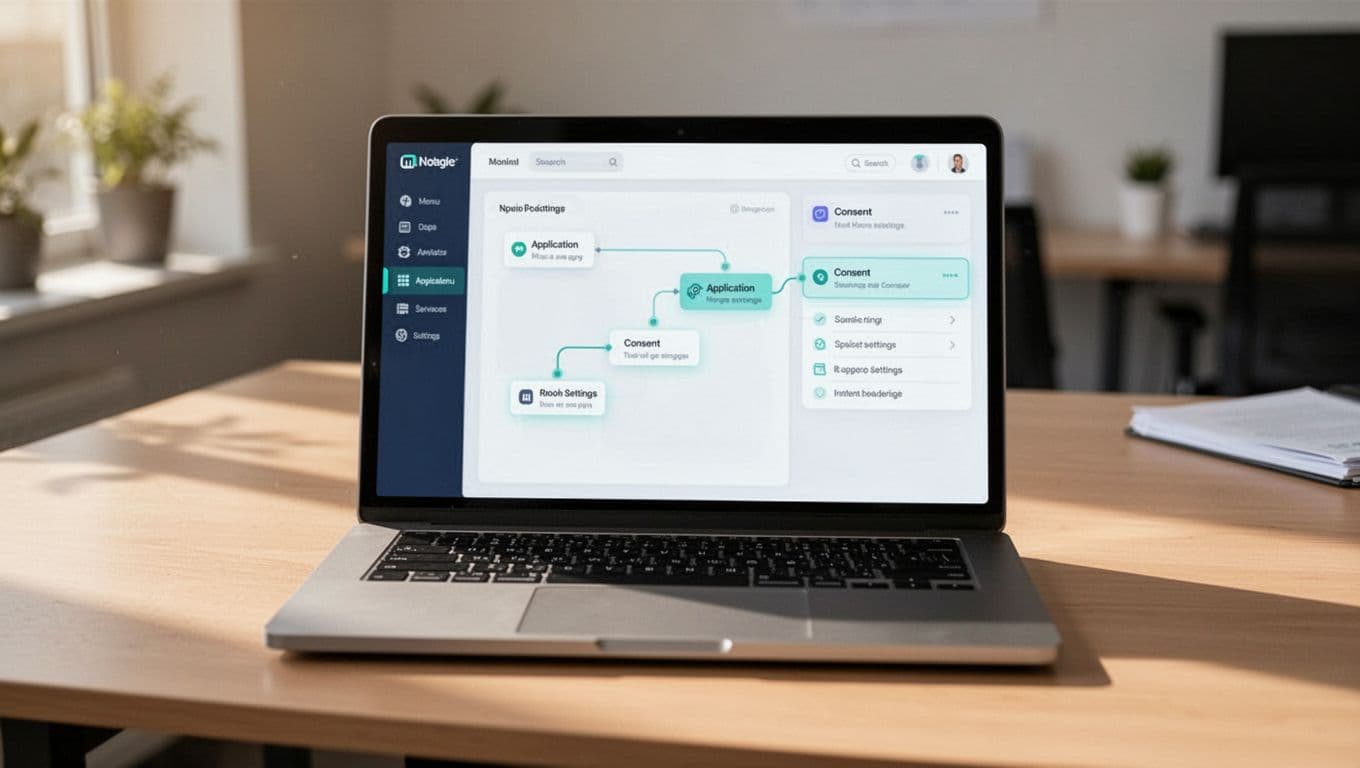
The best fix is a tighter consent policy. Microsoft’s application consent management guide explains how to route risky requests to admins instead of letting users approve them freely.
Start with user consent. In many tenants, the safest default is limited consent, or no user consent at all. If you do allow it, restrict approval to verified publishers and low-risk permissions.
Then clean up what already exists:
- Revoke grants for apps with no clear owner.
- Remove unused enterprise apps and stale service principals.
- Recheck apps after major staffing or vendor changes.
- Review consent events on a schedule, not only during incidents.
If you want help building a repeatable review process, Book a Discovery Call with Bud Consulting.
FAQs
How often should OAuth app consent be audited?
Monthly is a solid baseline for most Microsoft 365 tenants. Faster-moving environments, or MSP-managed tenants, may need weekly checks.
What is the difference between user consent and admin consent?
User consent lets a user approve an app for their own access or data. Admin consent can approve access across the tenant, which makes it higher risk.
Does a verified publisher mean the app is safe?
No. It helps you trust the source, but the permission scopes still matter more. A verified app can still ask for far too much access.
What should you do first with an unknown app?
Check the owner, the scopes, and the sign-in history. If the app has no business need, revoke the grant and remove the service principal or enterprise app.
OAuth app consent audits work best when they are routine. The goal is simple, find broad grants early, verify the business need, and remove anything that no one can explain.
When those checks become part of normal admin work, Microsoft 365 gets much harder to abuse.