table of contents
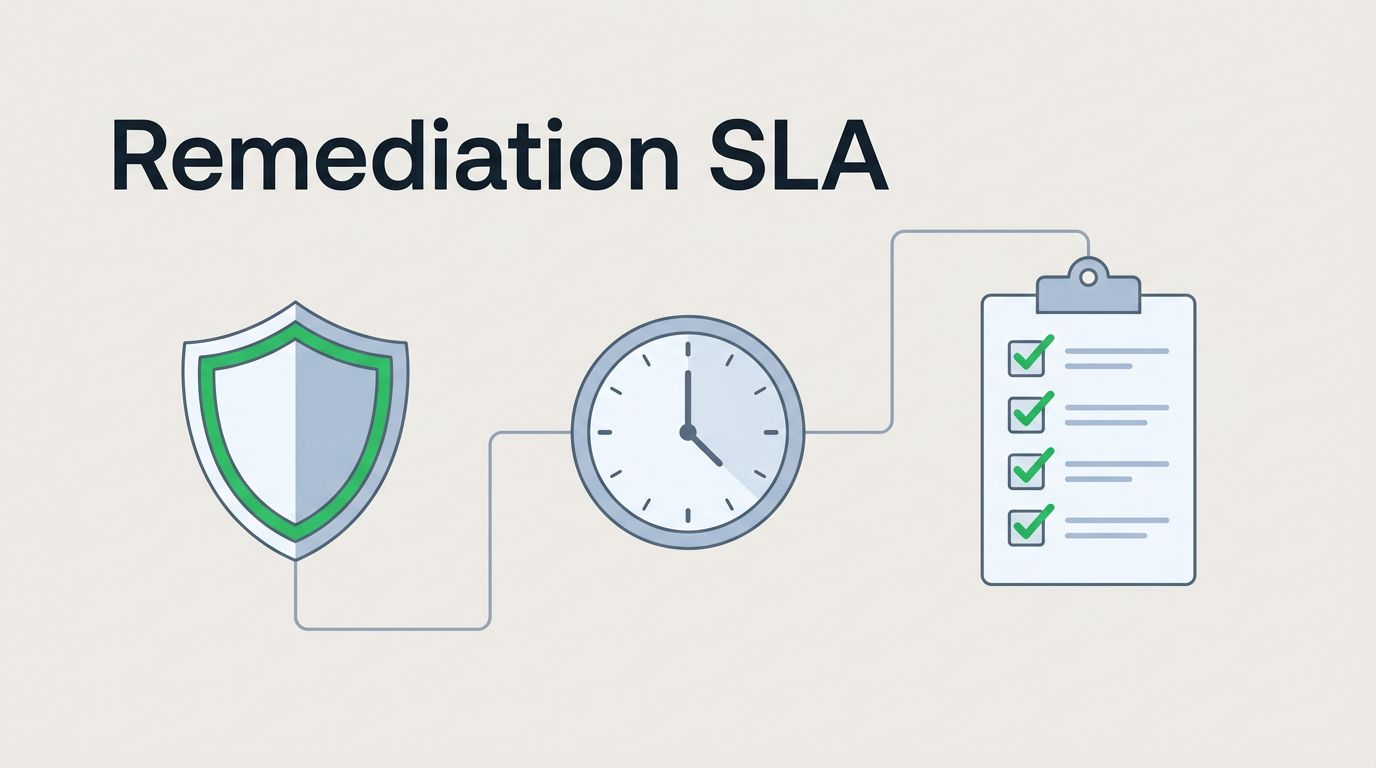
A security remediation SLA gets messy fast when it takes too long to read and harder still when nobody knows who owns the fix. Busy teams need something short, clear, and easy to use on a packed week.
When timelines are vague, findings sit in tickets and everyone waits for someone else to move. A lean template cuts that friction and sets a simple rule for response, repair, and escalation.
The best version fits your team size, risk tolerance, compliance duties, and asset criticality. It should work on a Tuesday afternoon, not only in a policy review meeting.
Start with a simple severity model
Keep severity based on risk, not just score. A CVSS number helps, but it does not tell the full story.
GitLab’s public vulnerability resolution SLAs are a good reference point because they tie timing to impact and scope. If you want another practical benchmark, Secure’s guide on vulnerability remediation SLAs by severity and business impact shows how many teams separate urgency from raw score.
For busy teams, four levels are enough:
- Critical means active exploitation, internet-facing exposure, or a path to major data loss.
- High means a real chance of exploitation with clear business impact.
- Medium means limited exposure, but the issue still matters.
- Low means small impact, or strong controls already reduce risk.
That split keeps people from arguing over labels while an issue ages in the queue.
Ready-to-use security remediation SLA template
Use this as a starting point, then tune the time limits to your environment.
| Severity | Sample definition | Response target | Remediation target | Escalation trigger |
|---|---|---|---|---|
| Critical | Active exploit, internet-facing asset, or severe business impact | 4 business hours | 24 to 72 hours | Escalate same day if blocked |
| High | Exploitable in production with meaningful impact | 1 business day | 7 to 14 days | Escalate after 48 hours of blocker time |
| Medium | Moderate impact, limited exposure, compensating controls exist | 3 business days | 30 days | Escalate if overdue by 7 days |
| Low | Limited impact, low exposure, or accepted temporary risk | 5 business days | 60 to 90 days | Review in normal backlog cycles |
A table like this works because it gives teams something concrete to hold onto. It also leaves room to adapt the numbers.
A deadline without an owner is a wish, not an SLA.
Put the right details in the template
A good SLA needs more than dates. It needs the parts that make action easy.
Add these fields to the policy or ticket template:
- Owner: the team or person who must fix it.
- Security contact: who triages the finding and confirms severity.
- Business owner: who can approve risk, funding, or exceptions.
- Evidence required: ticket link, fix date, and verification note.
- Exception rule: when the issue can stay open with approval.
The owner should be the team that can actually make the change. Security can drive triage, but app, cloud, IAM, or infrastructure teams often do the work.
The template should also say what happens when a fix depends on another team. That avoids the classic “we’re waiting on them” loop. A clear handoff keeps the queue from becoming a parking lot.
Define exceptions before you need them
Exceptions matter because real work gets blocked. Third-party vendors delay patches. Change freezes land at the wrong time. Legacy systems can take longer than the SLA allows.
Write down when an exception is allowed, who approves it, and how long it lasts. Keep the rule plain. If the risk is accepted, the acceptance should expire on a date, not linger forever.
A simple exception section might say:
- Temporary exceptions need an owner and a reason.
- Every exception needs an end date.
- Critical findings on internet-facing systems need executive review.
- Repeated exceptions trigger a control review.
That last line helps teams spot patterns. If the same type of issue keeps needing a waiver, the process is the problem.
Make escalation paths short and visible
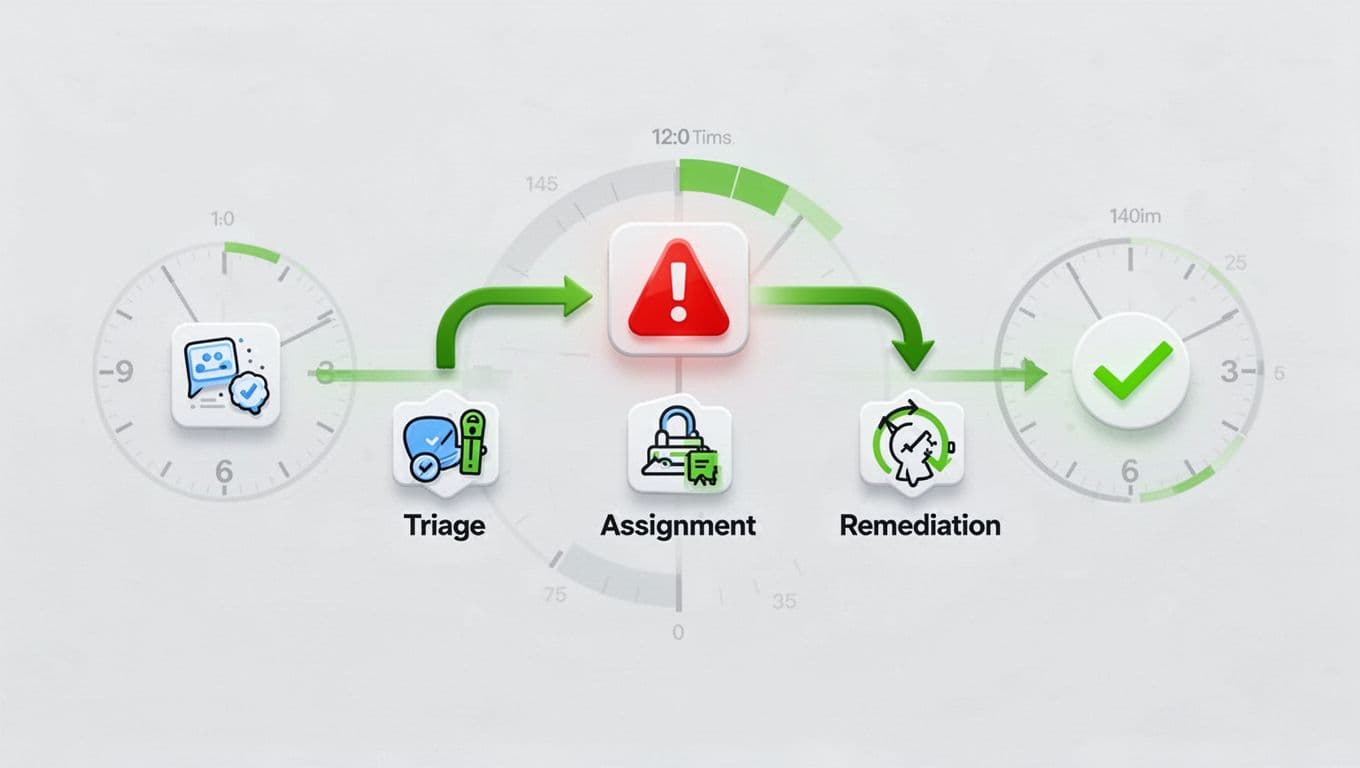
Escalation works best when people can see it before a deadline is missed. A simple path is enough for most teams.
- Security triages the finding and confirms the severity.
- The assigned owner starts work and posts blockers.
- If the target is missed, the issue goes to the team lead or manager.
- If the blocker stays open, it moves to the director, CISO, or risk owner.
- If needed, the business owner signs off on a short exception.
Keep this path short. Long approval chains slow down response, and they rarely improve decisions.
If your team lacks senior security or remediation leadership, you may need outside help to set ownership cleanly. In that case, Book a Discovery Call with Bud Consulting.
Keep the SLA useful after launch
The first version will not be perfect. That is fine. The goal is a working system, not a polished document that no one reads.
Review open items each month and adjust the timing bands if they are too strict or too loose. If low-risk tickets sit for months, tighten the follow-up. If critical work keeps missing deadlines for normal reasons, the SLA may need a reset or more staff.
Also, align the SLA with asset value. A medium issue on a test system is not the same as a medium issue on a payment app. Your policy should reflect that difference.
Conclusion
Busy teams do better with fewer rules and clearer ownership. A strong security remediation SLA gives them both.
Start with four severity levels, practical timelines, named owners, and a plain escalation path. Then tune the numbers to your risk, your tools, and the systems that matter most.