
table of contents
A service account register only helps if people trust it. The moment it drifts from reality, it turns into a risk list with old data.
For IT, security, and compliance teams, the hard part isn’t building the first version. It’s keeping ownership, access, and purpose aligned as systems change. A clean register gives you faster audits, safer access decisions, and fewer mystery accounts.
Table of Contents
- What a service account register should capture
- Fields that keep the service account register useful
- Collect data from source systems and owners
- Assign ownership and approvals that stick
- Keep the service account register accurate over time
- FAQ
- A register that stays current earns trust
What a service account register should capture
A service account register is the master record for non-human identities. It should show what each account does, who owns it, where it lives, and how it is protected.
That sounds simple, yet many teams stop at a name and a server. They miss the business reason, the technical owner, the secret type, and the review date. Without those details, nobody can tell whether the account still matters.
Accuracy matters because service accounts often outlive the project that created them. They keep access long after staff move on. They also hide in plain sight, especially when they run scheduled jobs or backend integrations.
Google Cloud’s best practices for using service accounts securely are a useful baseline for thinking about keys, access, and control points. For a wider view of risk, service account security best practices is a helpful reference.
Fields that keep the service account register useful
A register only works when it answers real questions fast. Who owns this account? Why does it exist? What could happen if it breaks?
Use a small set of fields that support those answers. Keep them consistent across apps, cloud platforms, and infrastructure tools.
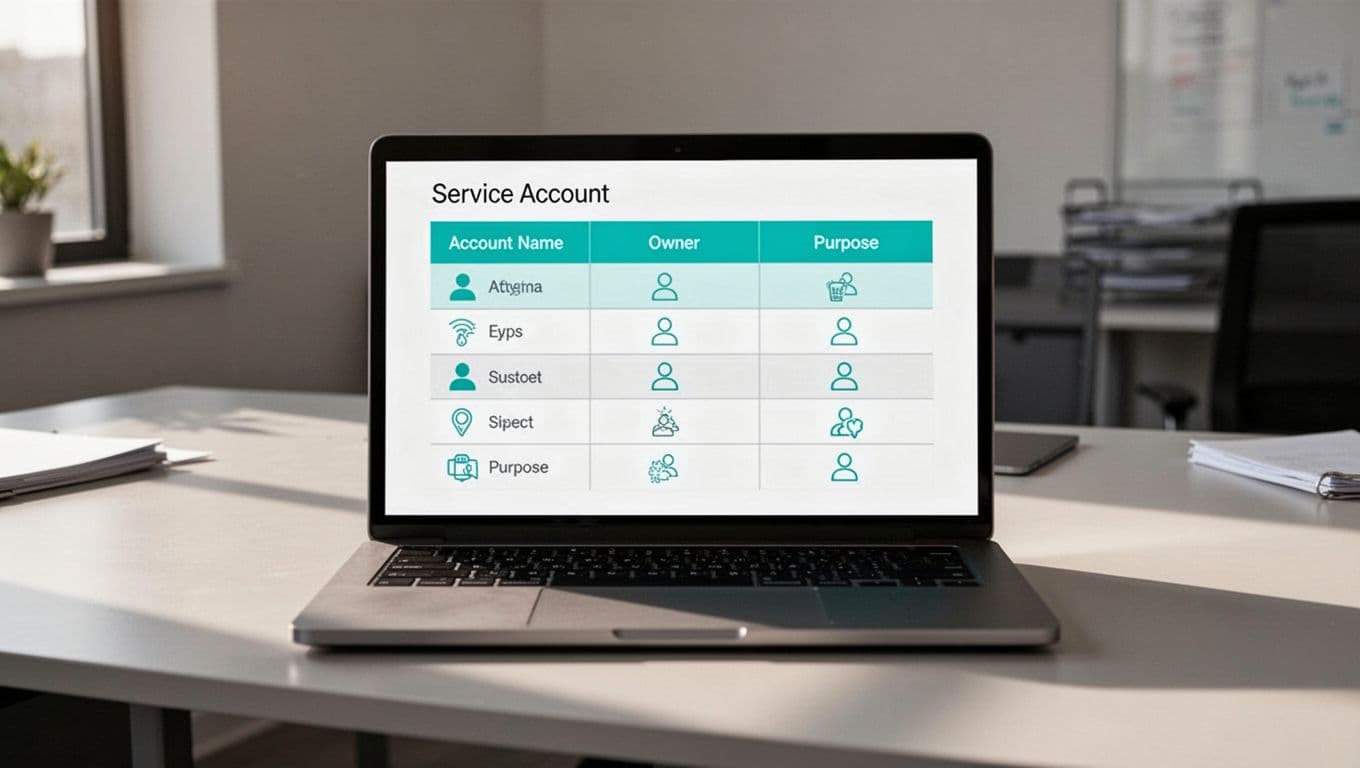
| Field | Why it matters | Example |
|---|---|---|
| Account name | Unique tracking | svc-payroll-sync |
| Business purpose | Shows why it exists | Nightly payroll file transfer |
| Business owner | Confirms approval | Finance operations |
| Technical owner | Handles fixes | Platform engineering |
| System and environment | Locates the account | Production, Azure |
| Privilege level | Shows risk | Read-only on one API |
| Secret or key expiry | Supports rotation | 2026-06-30 |
| Last review date | Proves oversight | 2026-03-15 |
If you need one rule, use this one: every field should help someone make a decision. If a field doesn’t change a decision, drop it.
Collect data from source systems and owners
Start with the source systems, then verify with the people who run them. Pull accounts from Active Directory, cloud IAM, CI/CD tools, secret stores, and privileged access platforms. After that, match each account to a real workload.
A short intake workflow helps keep the register clean:
- Export current accounts from each platform.
- Match each account to an application, job, or integration.
- Ask the system owner to confirm purpose and business use.
- Flag records with missing owners, unknown secrets, or no recent activity.
This step matters because humans often remember the app, but forget the account behind it. That gap creates orphaned access.
If the owner can’t confirm the account, treat the record as untrusted until someone proves it.
You can also tighten cloud controls with policy. In Google Cloud, restrict IAM service account usage helps limit where service accounts can be created or used.
Assign ownership and approvals that stick
A register stays accurate when ownership is clear. One person should own the data entry. Another should own the account’s business use. Security can review, but it shouldn’t carry every update alone.
A practical model looks like this:
- The application owner confirms the account still serves the app.
- The technical owner updates access, keys, and system details.
- The security or IAM team checks naming, privilege, and policy.
- Compliance reviews the record during audits or recertification.
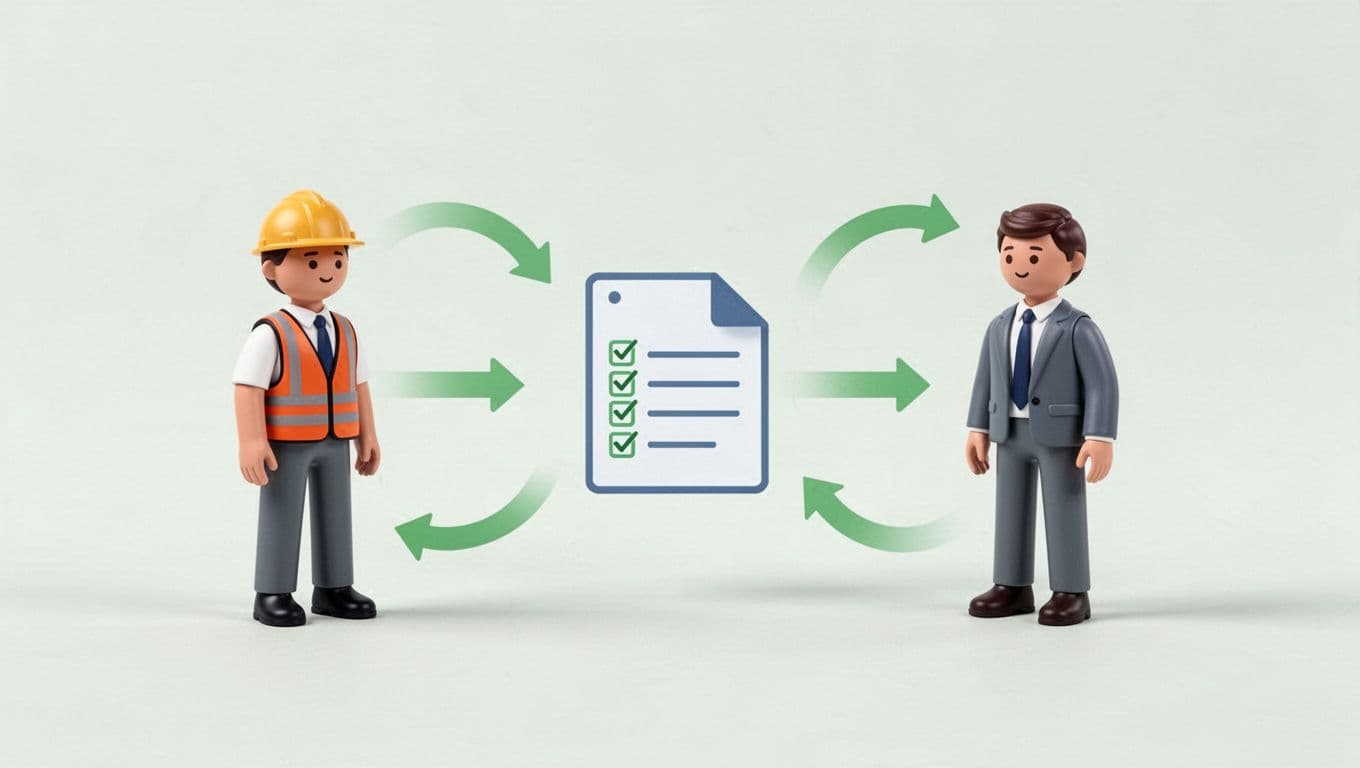
Make updates part of change management. If a team creates or changes a service account, the ticket should not close until the register changes too. That keeps the record tied to real work, not memory.
If your team needs help building ownership rules, review cycles, or better non-human identity controls, Book a Discovery Call with Bud Consulting.
Keep the service account register accurate over time
Accuracy fades when no one checks it. So build a rhythm around the register.
Use automation where it helps. Sync account data from source systems each night. Alert on expired keys, disabled owners, and accounts that haven’t authenticated in a set period. Then send exception reports to the right team.
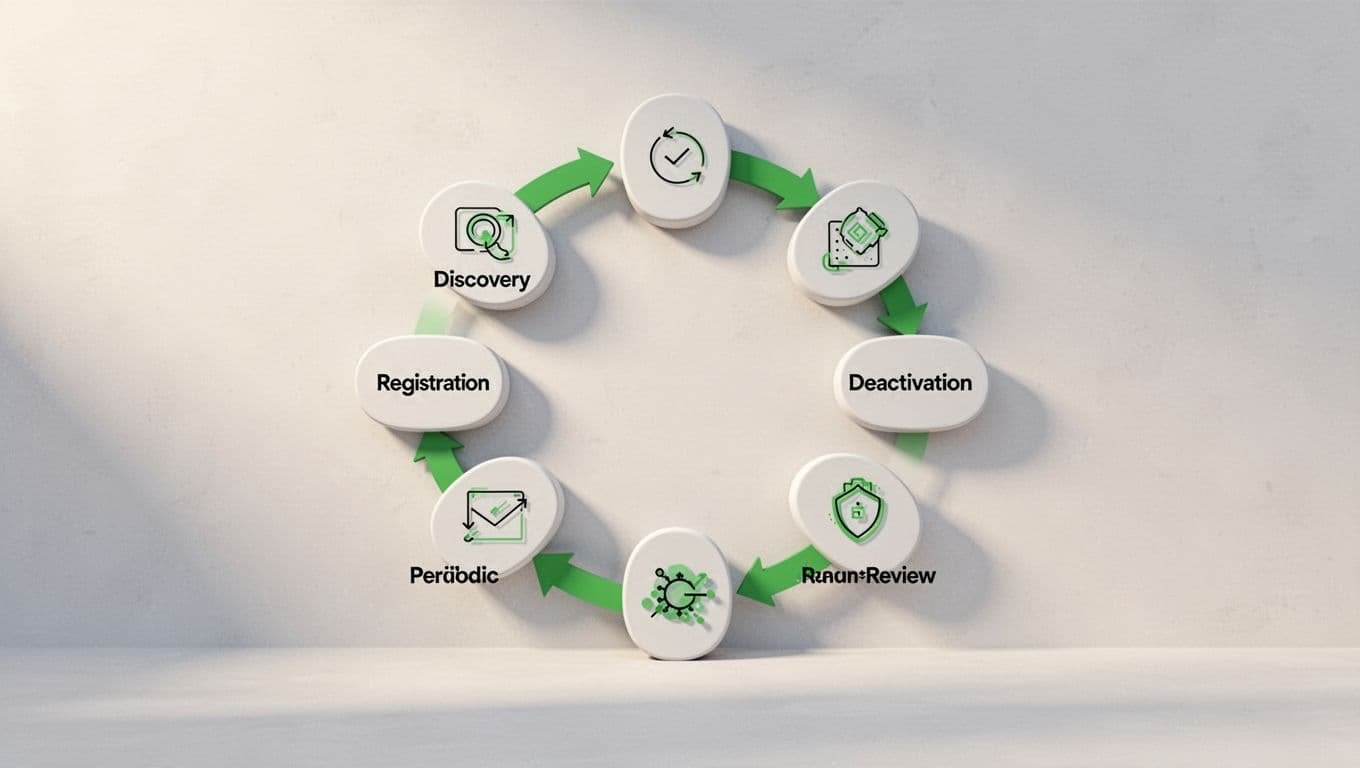
A simple cadence works well:
- Monthly, review new accounts, removed apps, and key changes.
- Quarterly, ask owners to re-confirm purpose and access.
- Annually, compare the register to source systems and retire dead records.
The best registers also track status. Active, pending review, at risk, and retired are enough for most teams. That makes it easy to spot accounts that need action.
FAQ
What is the main goal of a service account register?
It gives you one trusted place to see who owns each account, what it does, and when it was last reviewed. That makes audits, access checks, and cleanup work much faster.
Which fields matter most in a service account register?
Start with account name, purpose, business owner, technical owner, system, privilege level, secret expiry, and last review date. Those fields answer the questions teams ask most often.
How often should a service account register be reviewed?
Monthly exception reviews and quarterly owner sign-off work well for most organizations. High-risk environments may need tighter checks.
What is the fastest way to spot stale service accounts?
Compare the register against live source systems and usage logs. Any account with no owner, no recent use, or no clear purpose should move to review.
A register that stays current earns trust
A strong service account register doesn’t come from one cleanup project. It comes from clear fields, named owners, and repeat checks that match how systems change.
When the register stays current, teams spend less time chasing unknowns. They also make better decisions about access, risk, and retirement.




