table of contents
Public backup buckets leak sensitive data every day. Attackers scan for them because backups hold customer records, configs, and recovery files. You might think your cloud setup is tight, but one overlooked permission exposes everything.
Recent attacks hit hard. The European Commission lost 350GB in a breach tied to weak storage controls. UK firms report lost cloud data from ransomware that targeted backups. These incidents show backups need regular audits.
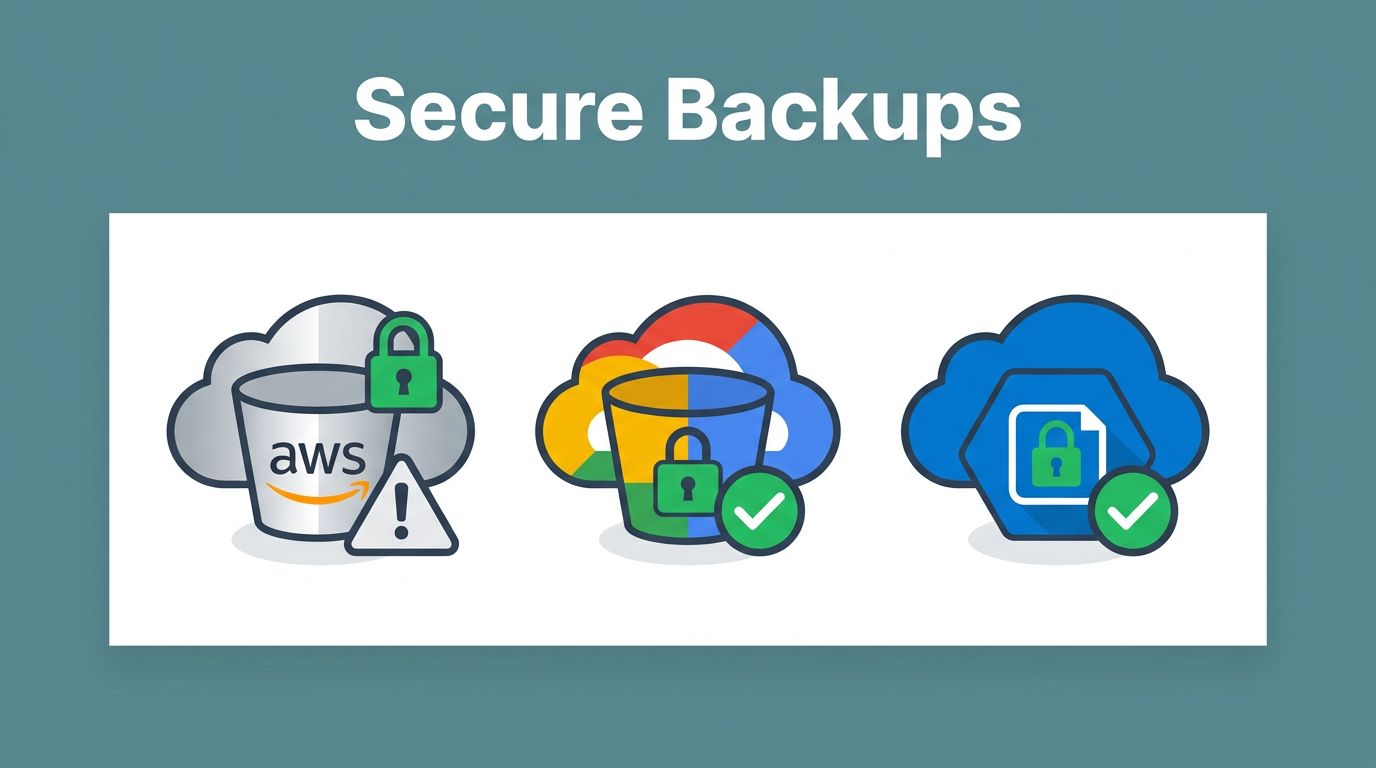
This guide gives you checklists for AWS S3, Google Cloud Storage, and Azure Blob. Follow them to find exposures fast and fix them. Start with quick scans, then dive into provider-specific steps.
Spot Exposed Buckets Fast
Hunt for public buckets before they cause trouble. Tools like Shodan or cloud-native scanners reveal them. In May 2026, AWS updated defaults to block older encryption types, so check your setups now.
List all buckets first. Use AWS CLI with aws s3api list-buckets. For Google Cloud, run gsutil ls. Azure uses az storage account list then az storage container list.
Test access safely. Curl the bucket URL with anonymous requests. If files list, it’s exposed. Never download data during tests; note the issue and stop.
Prioritize backups. Tag them as “backup” or “sensitive”. Scan those first because they hold irreplaceable data.

Rate risks by severity. Public read access scores high because anyone grabs files. Write access is critical; attackers upload malware.
Document findings in a spreadsheet. Columns for bucket name, provider, exposure type, severity, owner. Share with your team for quick fixes.
AWS S3 Bucket Audit Checklist
S3 buckets top exposure lists. Public ACLs and weak policies cause most leaks. AWS Security Hub controls for S3 flag issues like public read or write.
Follow these steps:
- Enable Block Public Access at account level. Turn on all four settings. This stops overrides.
- Check bucket policies. Look for “Principal”: “*”. Deny if found. Use
aws s3api get-bucket-policy --bucket your-bucket. - Review ACLs. Run
aws s3api get-bucket-acl --bucket your-bucket. Remove public grants. - Verify encryption. Confirm SSE-S3 or KMS. Default works; check with
aws s3api get-bucket-encryption. - Enable logging. Set server access logs to a secure bucket. Add CloudTrail data events for reads/writes.
- Scan for anonymous access. Test with
curl https://your-bucket.s3.amazonaws.com/test-file. Expect 403. - Check cross-account shares. List policies for external ARNs. Limit to trusted accounts.
Versioning helps too. Turn it on for backups to recover deletes.
Common backup mistake: Automation scripts set public ACLs. Audit your pipelines.

Follow AWS S3 security best practices for ongoing rules.
Google Cloud Storage Checklist
GCS buckets expose via IAM or ACLs. Enforce public access prevention organization-wide.
Key checks:
- Enable uniform bucket-level access. Disables ACLs; use IAM only. Run
gsutil bucketpolicyonly set on gs://your-bucket. - Set public access prevention. Use
gsutil public-access-prevention set enforced gs://your-bucket. See GCP public access prevention docs. - Review IAM policies. Grep for allUsers or allAuthenticatedUsers. Remove them.
- Confirm CMEK or default encryption. Check with
gsutil iam get gs://your-bucket. - Enable logging. Set bucket logging to a private sink.
- Test anonymously.
gsutil ls -p all gs://your-bucketshould fail for public. - Lock retention for backups. Apply Object Holds or Retention Policies.
Leaked URLs from apps point to buckets. Scan your code repos.
Security Command Center flags public ACLs. Review findings there.
Azure Blob Storage Checklist
Azure accounts allow blob public access by default in some cases. Disable it account-wide.
Steps to audit:
- Set AllowBlobPublicAccess to false. Use portal or
az storage account update --name youraccount --resource-group rg --allow-blob-public-access false. - Check container policies. List with
az storage container list --account-name youraccount. Ensure private. - Review RBAC. No Storage Blob Data Reader for public groups.
- Enable encryption. Default Microsoft-managed keys suffice.
- Turn on logging. Use diagnostic settings for Blob service.
- Test access. Curl blob URL; expect auth challenge.
- Audit shared access signatures (SAS). Revoke expired or broad ones.
Backups from VMs often land public. Check automation policies.
Follow Azure guidance to remediate anonymous access.
Common Misconfigurations to Fix
Overly permissive policies let anyone in. Fix with denies first.
Public ACLs: Legacy but common in old buckets. Migrate to IAM/policies.
Anonymous access: Test endpoints. Tools like Azure’s Storage Explorer simulate it.
Leaked URLs: Grep logs or code for bucket names. Rotate keys.
Cross-account: Limit principals. Use conditions like aws:SourceAccount.
Misconfigured backups: Scripts set –acl public. Update IaC templates.
Rate severity:
| Exposure Type | Severity | Remediation Time |
|---|---|---|
| Public Read | High | 1 hour |
| Public Write | Critical | Immediate |
| Cross-Account | Medium | 4 hours |

Apply least privilege everywhere. Audit quarterly.
Set Up Continuous Monitoring
Manual checks miss changes. Automate with native tools.
AWS: Config rules for public buckets. Security Hub automates scans.
GCP: Security Command Center detectors for logging, public access.
Azure: Defender for Cloud policies. Policy assignments enforce disables.
Use third-party if needed, but start native.
Alert on changes. Slack or email for public flips.
Tag backups for focus. Lifecycle rules clean old versions.

Schedule weekly runs. Bud Consulting helps scale this; book a discovery call for expert review.
Key Takeaways
Exposed backup buckets risk data loss and downtime. Run these checklists now: block public access, tighten policies, enable logging.
Automation catches drifts. Recent breaches prove vigilance pays off.
Secure your backups today. Your recovery depends on it.