table of contents
Executives handle sensitive deals. One compromised email account can lead to wire fraud or data leaks. In 2026, business email compromise attacks hit record highs, with execs targeted in over 30% of cases because they approve payments.
You might spot odd login alerts or hear from vendors about strange requests. These signal potential executive email compromise. This guide walks you through a practical audit. Follow these steps to confirm issues or flag risks for deeper checks.
Start with login records. They reveal the first clues.
Check Login Activity for Red Flags
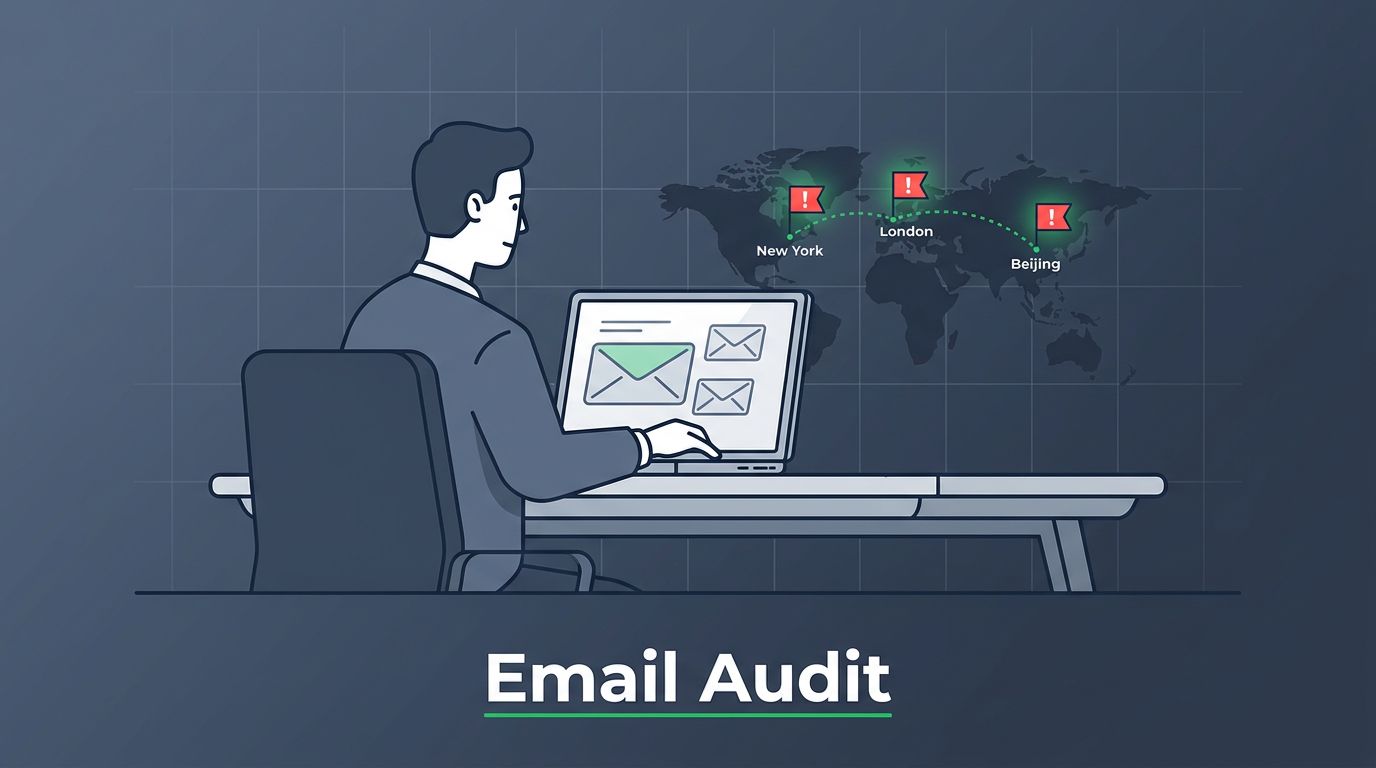
Logins tell you who accessed the account. Look for impossible travel first. That’s when sessions pop up from distant locations minutes apart, like New York and Beijing.
Pull unified audit logs in Microsoft 365 or equivalent in Google Workspace. Filter for the past 90 days. Sort by IP and time. Normal patterns cluster around the exec’s office or home.

Red flags include logins from high-risk countries or VPNs you don’t use. Multiple failed attempts before success point to brute force. However, a single odd login might just be VPN lag. Confirm with device fingerprints or user reports.
Microsoft’s guidance on responding to compromised accounts stresses reviewing logs from the first symptom. Cross-check against travel records. If patterns match the exec’s routine, it’s likely clean. Suspicious clusters demand password resets and MFA checks.
Next, examine rules that hide activity.
Review Mailbox Rules and Forwarding
Attackers set rules to siphon emails or delete traces. Check inbox rules, server-side rules, and forwarding settings.
In Outlook or admin center, list all rules. Hunt for forwards to external domains you don’t recognize. For example, a rule sending invoice threads to a Gmail address screams compromise.
Also scan for rules moving emails to junk, RSS feeds, or deleted items. These dodge detection. A Medium post on Office 365 BEC signs lists these as top indicators.

Delete suspect rules immediately. Then audit who created them via logs. If the exec denies it, that’s confirmation of access. Note that steps vary by platform. Google Vault or Exchange logs work similarly, but enable auditing first if off.
Red flags here warrant isolating the account. Full compromise shows rules tied to unknown IPs.
Inspect OAuth Apps and Delegates
OAuth apps grant persistent access without passwords. Abused ones read or send emails quietly.
Go to connected apps in account settings. Revoke unknowns with full mailbox access. Check delegates too, those with send-as rights.
Logs show consent events. A new app from a shady publisher last month? Revoke it. Practical365 details Graph activity logs for OAuth abuse, noting POST requests to permission grants as key signals.
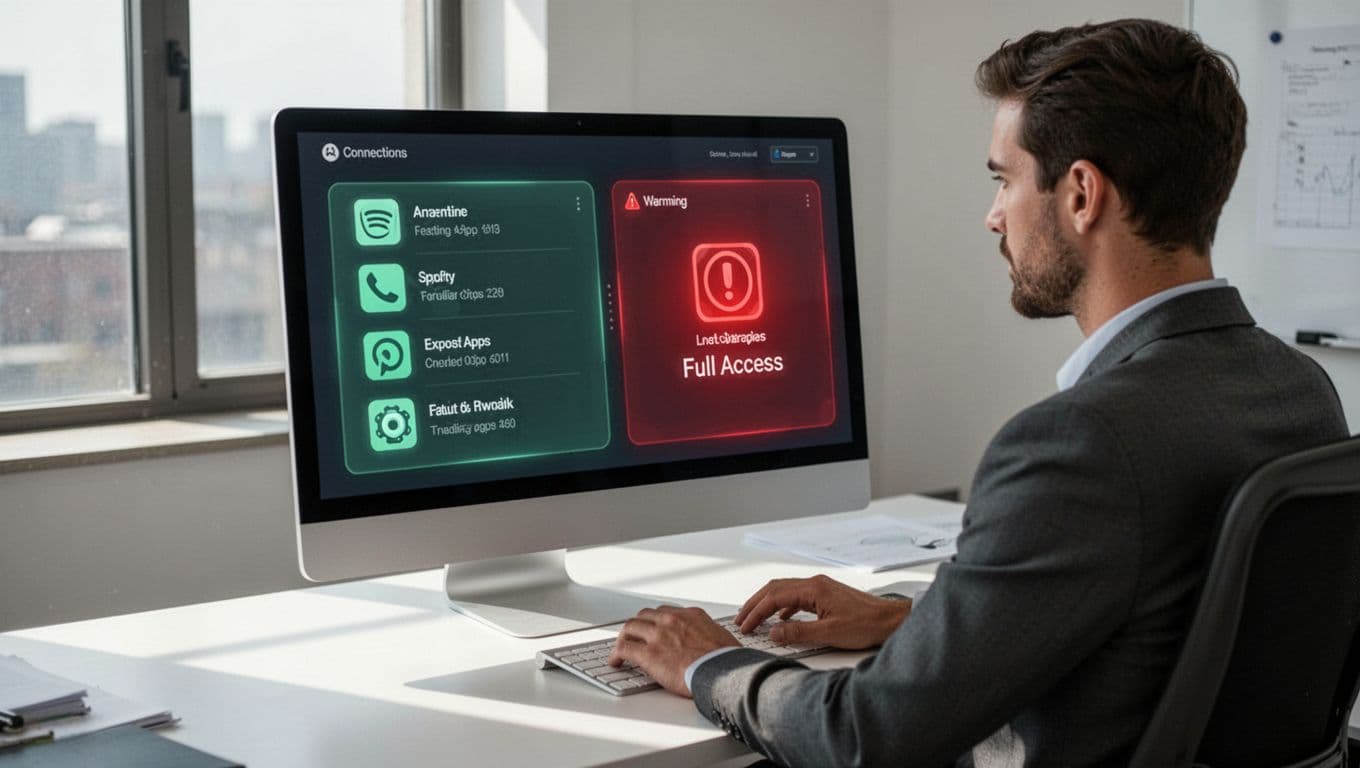
In 2026 trends, MFA bypasses via OAuth hit 79% of cases. Distinguish: Legit apps like Slack show in IT inventory. Rogue ones lack approval. Confirm by matching consent IP to logins.
Revoke all suspects. Then monitor for re-consent.
Hunt for Deleted Emails and Tampered Evidence
Compromised accounts often purge proof. Restore deleted items from retention.
Search for mass deletes around suspicious dates. Tools like Microsoft Purview or Google Admin recovery help. Patterns of 50+ deletes in an hour? That’s not normal housekeeping.
Check export activities too. Attackers dump PSTs. Logs flag “Export mailbox” operations by outsiders.
A PwC BEC investigation checklist recommends auditing message traces alongside. If deletes align with odd logins, it’s likely compromise. Single deletes might be user error, so investigate further.
Recover what you can. This preserves evidence for reports.
Scan Sent Items and Drafts for Suspicious Threads
Review outgoing mail for fakes. Look for wire requests or payment changes you don’t recall.
Filter sent folder for keywords like “wire,” “transfer,” or vendor names. Check tone shifts, urgency, or grammar slips unusual for the exec.
Drafts hold aborted scams. Vendors complaining about spoofed invoices? Cross-reference with their logs.
CSO Online’s red flags article highlights off-hours chaos and authority abuse. In 2026, AI crafts flawless fakes, so focus on context. Did the exec travel? Match timestamps.
Red flags like unapproved payroll tweaks need vendor calls. Confirmed sends from unknown devices prove takeover.
Confirm Compromise and Initial Response Steps
Weigh findings. One red flag? Deeper probe. Multiple, like impossible travel plus forwards? Act fast.
Isolate the account: Change password, revoke sessions, enable litigation hold. Scan linked devices.
FBI stats show $2.77 billion in BEC losses recently. Reference platform guides, like ArkShield’s BEC checklist for DNS checks too.
Audit steps vary by logging setup. If disabled, enable now. Forensics pros speed cleanup.
Key Takeaways
Regular audits catch executive email compromise early. Focus on logins, rules, OAuth, deletes, and sends to spot real threats.
You now have steps to protect high-value accounts. In 2026’s AI-driven attacks, vigilance pays off.
Book a Discovery Call with Bud Consulting to strengthen your team’s defenses.
(Word count: 1,482)