table of contents
Attackers hit hybrid identity systems hard these days. You run Active Directory on-premises and Microsoft Entra ID in the cloud. Users access both with the same credentials. That setup saves time but opens doors to breaches like token theft or sync abuse.
Groups such as Scattered Spider start in the cloud then pivot to your network. They watch your alerts and stay hidden. Hybrid identity hardening fixes these gaps. It combines quick fixes with ongoing checks.
You get playbooks here. They cover threats, steps, and tools for 2026. Start with basics then build stronger defenses.
What Is a Hybrid Identity System?
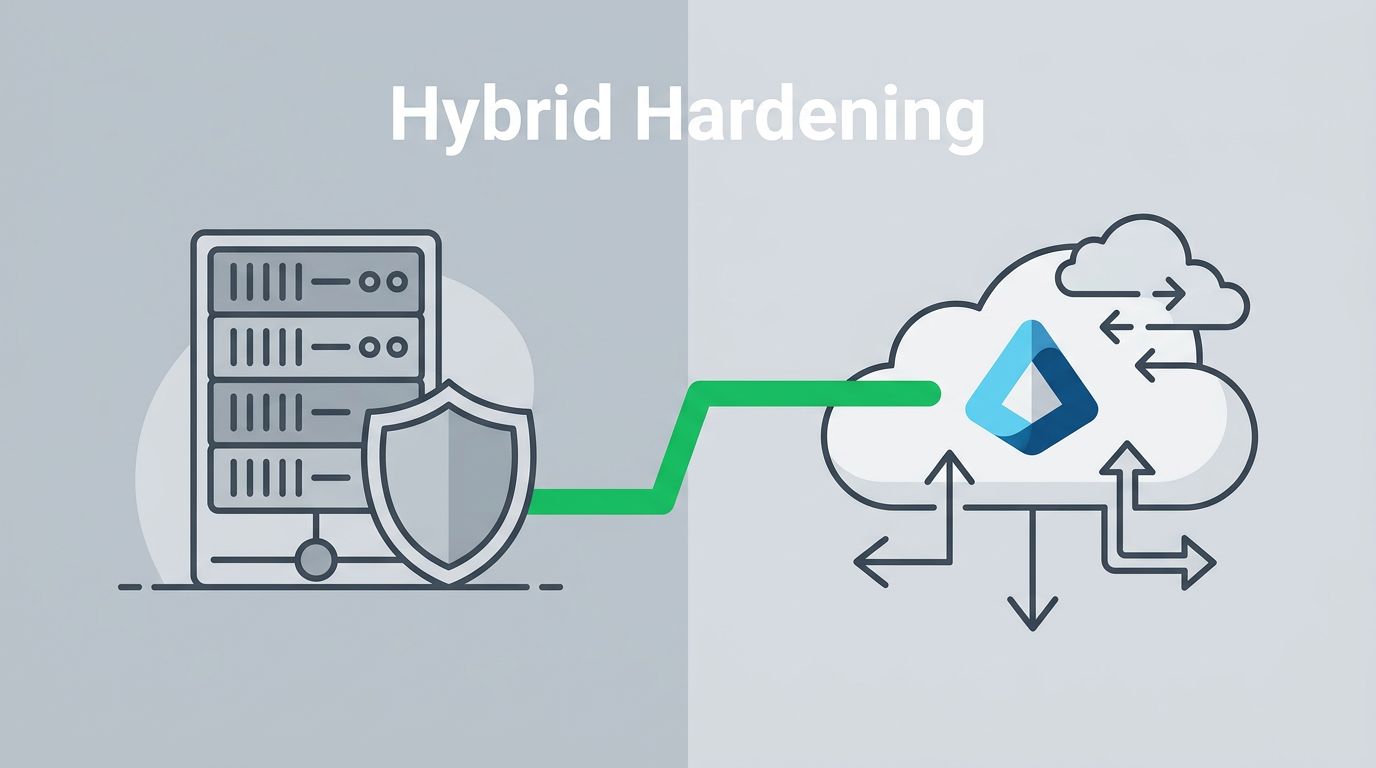
Your hybrid setup links on-premises Active Directory to Microsoft Entra ID. Entra Connect Sync pushes user data, passwords, and groups from AD to the cloud every 30 minutes or so. Users sign in once to reach Office 365, SharePoint, or file servers.
This flow works well for most teams. But sync creates a bridge attackers target. They exploit weak spots in either side to move freely. For example, a compromised AD account syncs bad changes to Entra ID.
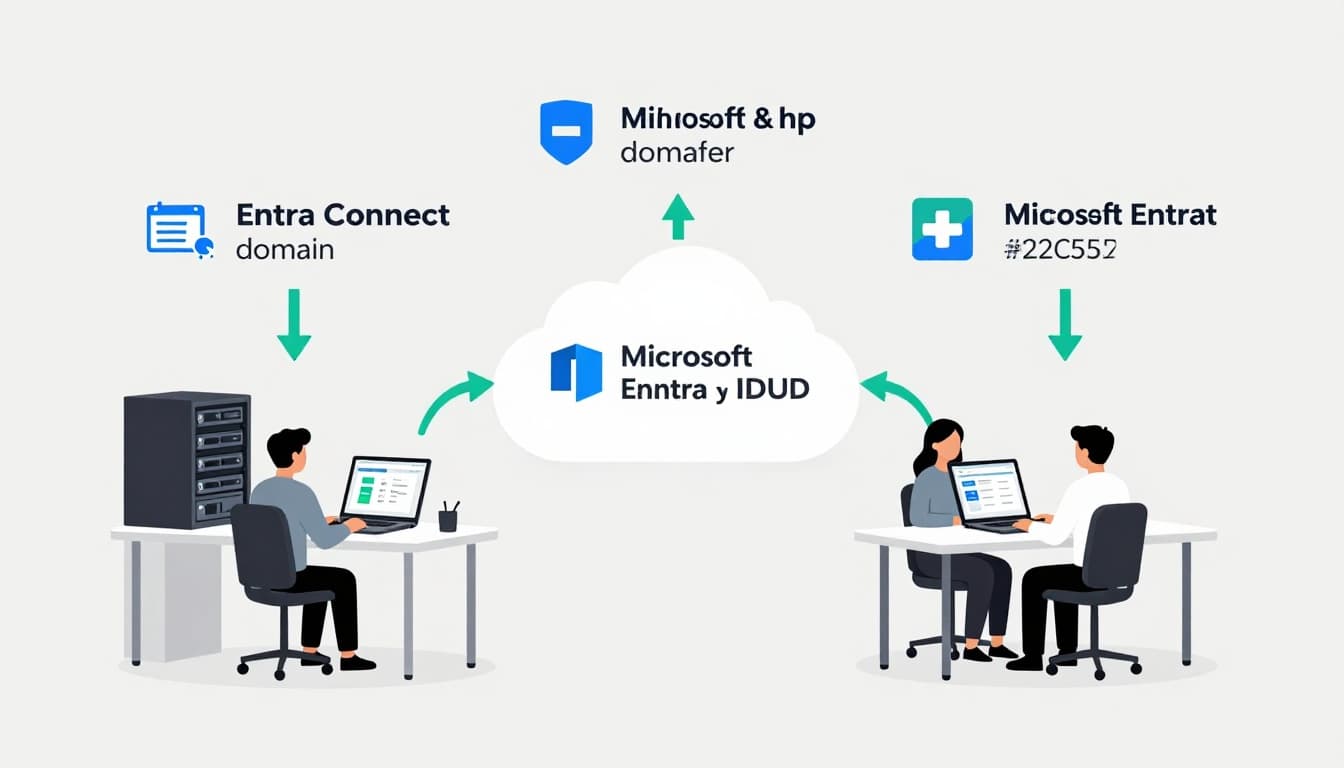
Domain controllers hold the keys. Entra ID adds cloud features like Conditional Access. Yet confusion arises. On-prem admins grant broad rights without seeing cloud impact. Result? Over-privileged accounts roam unchecked.
Check your sync health first. Run Get-ADSyncScheduler in PowerShell. Look for errors or delays. Healthy sync means clean data flow. But treat Entra Connect servers as Tier 0 assets. Lock them down like domain controllers.
Most orgs sync 80% of users this way. Others use pass-through auth or federation. Password hash sync is safest. It lets Entra ID verify creds without on-prem calls. Disable legacy protocols to shrink attack surface.
Key Threats in Hybrid Environments
Threats evolve fast in 2026. Password spray tops the list. Attackers test weak passwords like “Password123” across many accounts. They dodge lockouts by spacing attempts.
Token theft follows. Adversaries grab session tokens via phishing or malware. They replay them to bypass MFA. Tools like AADInternals help escalate from user to admin.
Kerberoasting hits service accounts. Attackers request TGS tickets for SPN-enabled accounts then crack offline. Old passwords crack in hours. Hybrid setups amplify this. A roasted AD ticket leads to Entra pivots.
Sync abuse, or Syncjacking, lets foes hijack cloud accounts. They hard-match on-prem objects to cloud-only ones. Password hashes overwrite, granting control. Microsoft blocks this by default now, but check your config.
Lateral movement thrives here. Compromise AD first via phishing. Sync gives cloud access. Or start cloud-side with consent phishing. Fake apps gain silent entry. CVE-2025-55241 showed token flaws; patch and monitor.
Consent abuse tricks users into approving malicious apps. No password needed. Attackers read mail or impersonate execs. Groups like Black Basta chain this to ransomware.
For details on prerequisites for secure Entra Cloud Sync, see Microsoft’s guide. It stresses agent hardening.
Quick Wins for Immediate Hardening
Start simple. These steps block 80% of attacks today. They take hours, not weeks.
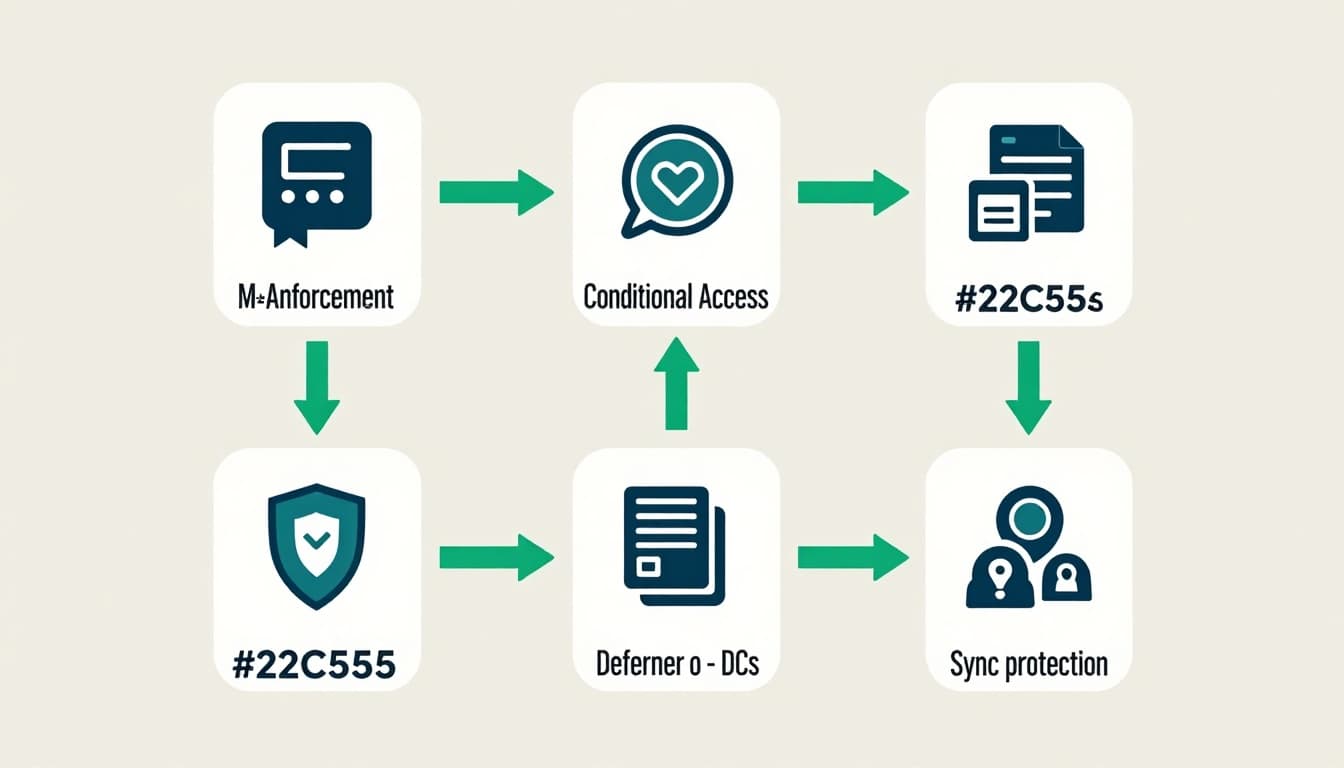
Enforce MFA everywhere. Use Microsoft’s identity security steps. Block legacy auth in Entra ID. Run Get-MgPolicyAuthorizationPolicy to confirm.
Deploy Defender for Identity sensors. Install on each domain controller. They spot recon, like Kerberoasting attempts. Alerts feed Microsoft Sentinel for unified views.
Set risk-based Conditional Access. Block logins from risky IPs. Require MFA on unusual locations. Tie to Defender signals for auto-blocks.
Protect sync. Use least-privilege connector accounts. No Enterprise Admin. Disable hard-match takeovers. As of June 2026, Entra blocks common abuses automatically.
| Quick Win | Action | Impact |
|---|---|---|
| MFA Enforcement | Enable phishing-resistant methods | Stops 99% credential theft |
| Defender Sensors | Install on all DCs | Detects on-prem threats early |
| Conditional Access | Risk-based policies | Auto-blocks suspicious sign-ins |
| Sync Hardening | Least-priv connector | Prevents account takeovers |
These cut exposure fast. Test in audit mode first. Roll out over a weekend.
On-Prem AD vs. Cloud Identity Protections
AD offers clear controls. Domain controllers sit in locked rooms. Group Policy locks them down. Admins use Protected Users groups to block NTLM.
Entra ID shifts this. No servers to touch. Policies live in the cloud. Conditional Access replaces GPOs for most scenarios.
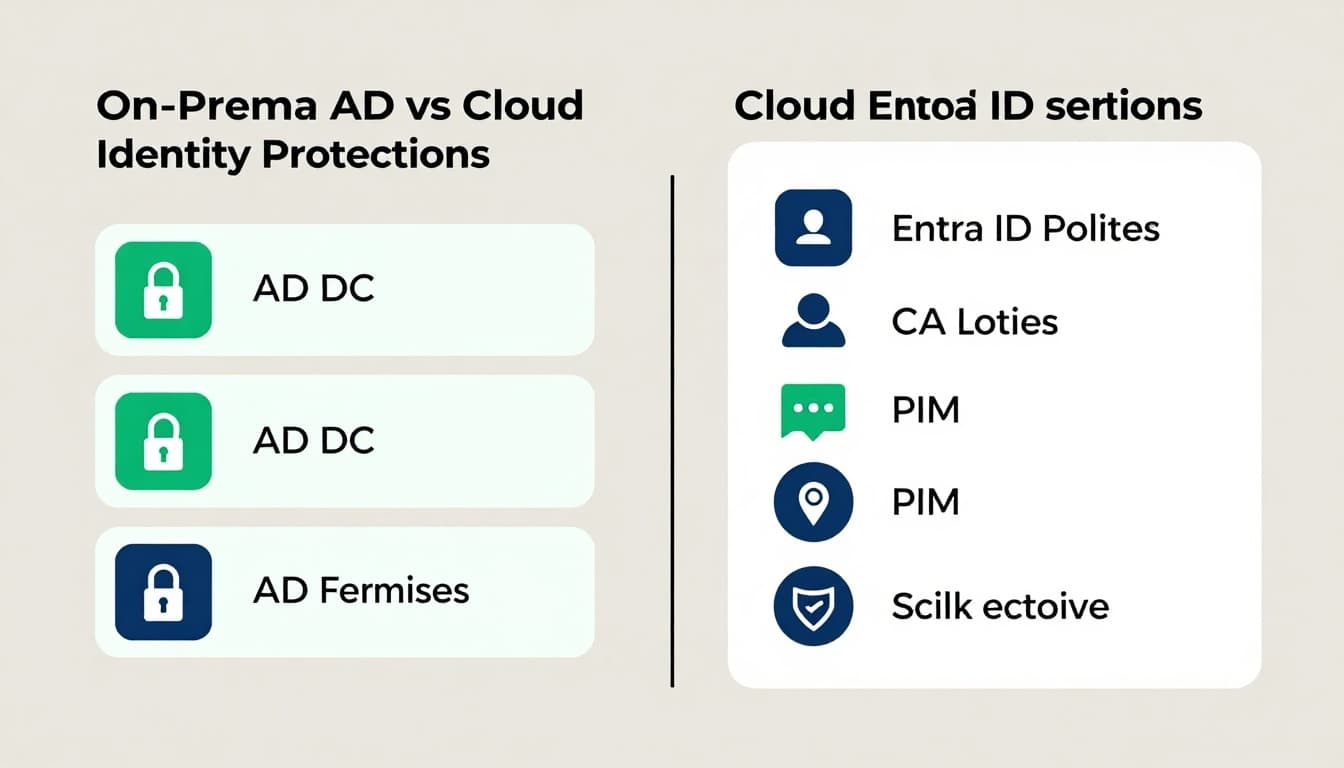
AD excels at Kerberoasting mitigations. Set max ticket lifetimes to 4 hours. Audit SPNs. Entra lacks tickets but faces token replay.
Cloud wins on scale. Privileged Identity Management (PIM) times admin roles. Risk detections flag impossible travel. AD needs custom scripts for that.
Hybrid demands both. Sync privileged accounts carefully. Use cloud-native admins for Entra. Avoid synced break-glass accounts.
| Control | On-Prem AD | Entra ID |
|---|---|---|
| Admin Access | LAPS, Tiering | PIM, Eligible Roles |
| Detection | Defender Sensors | ID Protection Risks |
| Auth | Kerberos, NTLM | Tokens, PHS |
| MFA | On-prem only | Everywhere, Adaptive |
Bridge gaps with hybrid posture assessments in Defender for Identity. It scores your setup.
Playbook 1: Block Password Spray and Credential Abuse
Password spray succeeds because accounts share bad habits. Common passwords hit many targets.
Step 1: Monitor sign-in logs. In Entra, filter for failed attempts from one IP. Set alerts over 10 in 30 minutes.
Step 2: Lockout policies. AD sets 5 bad tries. Entra uses smart lockout at 10. Align them.
Step 3: Ban weak passwords. Use Entra password protection. Deploy DC agents to check on-prem too.
Step 4: Hunt with Sentinel. Query for spray patterns. KQL example: SigninLogs | where ResultType == 50126 | summarize by IP.
Test quarterly. Simulate sprays with Atomic Red Team.
For Kerberoasting, audit SPNs: setspn -Q */*. Rotate service account passwords yearly. Use long, random ones.
Playbook 2: Stop Token Theft and Replay
Tokens last hours. Steal one, own the session.
Step 1: Shorten lifetimes. Set access tokens to 1 hour in app registrations.
Step 2: Continuous Access Evaluation (CAE). Entra revokes on risk signals.
Step 3: Block token replay. Enable in Conditional Access for high-risk apps.
Step 4: Inspect sessions. Use Get-MgAuditLogSignIn for anomalies.
Phishing-resistant MFA helps. FIDO2 keys beat app push. Roll out via autopilot.
See Microsoft’s best practices for Entra security.
Playbook 3: Secure Sync and Prevent Abuse
Sync servers bridge worlds. Compromise one, own both.
Step 1: Isolate Entra Connect. Dedicated server, no other roles. Firewall to DCs only.
Step 2: Least-priv connector. Create a custom account. Grant minimal AD rights.
Step 3: Monitor sync logs. Alert on attribute changes for admins.
Step 4: Disable soft-match risks. Enforce sourceAnchor rules.
As of 2026, Entra auto-blocks Syncjacking. Verify with Get-ADSyncHardMatchPrevention.
Playbook 4: Handle Consent and Lateral Movement
Consent phishing grants app perms quietly.
Step 1: Review consents. Portal > Enterprise apps > User consents. Revoke old ones.
Step 2: Policy blocks. Require admin approval for high-risk scopes.
Step 3: Least-priv apps. Use PIM for app admins.
For lateral moves, unify detection. Defender + Sentinel spots AD-to-cloud jumps.
Advanced Controls for Long-Term Resilience
Go beyond basics. Implement just-in-time access with PIM. Eligible roles activate on demand.
Hunt proactively. Custom analytics in Sentinel for golden tickets or domain dominance.
Govern identities. Entra ID Governance reviews access quarterly. Automate certifications.
Tier your assets. DCs and sync as Tier 0. Use PAWS for admin workstations.
Integrate threat intel. Feed external feeds into Sentinel.
Common misconfigs: Synced service accounts without MFA. Legacy auth enabled. Over-permed PIM roles.
Fix with audits. Run Get-MgRoleManagementDirectoryRoleDefinition.
For incident lessons, check Microsoft’s IR report on identity compromise.
Conclusion
Hybrid setups power modern work. But threats like spray, tokens, and sync abuse demand action. Quick wins block most risks now. Playbooks build lasting strength.
Focus on least privilege and monitoring. Your AD-Entra bridge stays secure. Test these steps this week.
Need help implementing? Book a Discovery Call with Bud Consulting. Teams close gaps faster with experts.