table of contents
You open a new ticket from a customer claiming their account is locked. The message screams urgency: “Fix this now or lose access forever!” Your heart races a bit. But pause. That pressure might signal a phishing trap aimed at your team.
Phishing attacks now target support tickets, not just end users. Scammers pose as frustrated customers to trick agents into sharing credentials or clicking bad links. Real customers get upset too, so you must check facts carefully. This guide shows you exact signs to watch for and steps to stay safe.
Start with the basics that trip up most agents.
Check Sender Details and Subject Lines First
Support tickets often hide phishing in plain sight. Look at the sender’s email first. Legit customers use their real accounts, like john.doe@company.com. Phishers grab random domains, such as support@yourcompany-help.net or variations with extra letters.
Hover over the sender name. Does it match the display? Mismatches scream fake. For example, a ticket from “billing@paypal-support.com” instead of the official @paypal.com raises flags.
Subject lines push panic too. Phrases like “Urgent: Account Suspension in 24 Hours” or “Payment Failed – Verify Now” aim to rush you. Real issues come calmly, without threats.
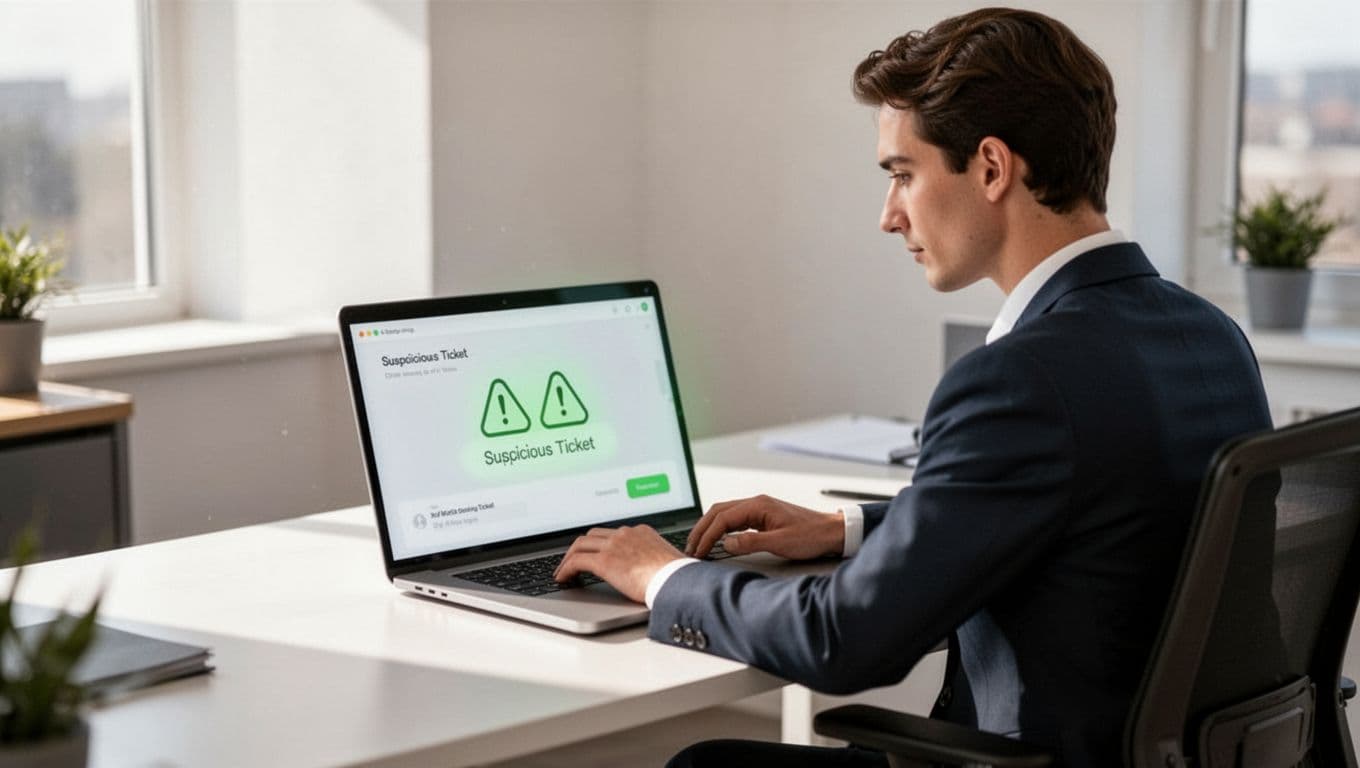
Zendesk notes that abusive actors exploit open ticket submissions with urgent demands. They mimic brands to lure clicks. Always verify the email source through your ticket system’s raw headers.
New agents overlook this step. But it blocks 80% of fakes right away. Next, scan the body for more clues.
Spot Urgent Account Requests and Password Tricks
Phishers love account drama. A ticket might say, “Someone changed my password. Send a reset link now!” They want you to click their provided URL or share a code.
Real customers rarely demand instant resets via ticket. They use self-service portals. If they ask for your help, they provide ticket history or account details you already hold.
Watch for reverse plays. Scammers claim you suspended their account and beg for credentials to “prove” ownership. Or they say, “Confirm my login to stop fraud.” Never share or ask for passwords. That’s rule one.
FTC warns about tech support scams that mimic these tactics, starting with fake alerts. In tickets, urgency amps up the pressure. Ask yourself: Does this match past customer patterns?
Legit folks might sound frustrated after hours of issues. So, reply neutrally: “I’ll check your account history.” Then verify independently.
These requests test your training. Spot them early to protect the whole org.
Watch for Fake Invoices and Payment Demands
Money grabs hide in billing tickets. A “customer” sends an invoice PDF with a “pay now” link. Or they claim overpayment and request a refund to their “new” account.
Check details. Official invoices come from known systems, not attachments. Amounts seem off, like $1.23 refunds to test card validity.
Phishers push wire transfers or gift cards too. “Send Bitcoin to reverse charges,” one might say. Banks never ask that in tickets.
Compare to real patterns. Past customers email from registered addresses with ticket numbers. Fakes lack context.
BleepingComputer reports Apple alerts abused for purchase scams, urging calls to fake support. Tickets follow suit with payment hooks.
Always forward suspicious files to security unopened. Use your payment portal to check claims yourself.
Identify Malicious Links and Risky Attachments
Links and files top phishing tools. A ticket says, “Click here to see my error screenshot.” The URL shortens to bit.ly or mismatches the text, like “support.yourcompany.com” vs. your real domain.
Hover reveals truth. Does it lead to login pages? Phishers craft near-perfect fakes. Attachments named “invoice.pdf.exe” or zipped malware wait too.
Even “view my screen share” links lead to remote access traps. Real customers describe issues in words first.
Zendesk’s guide on spotting phishing attacks flags poor grammar or odd requests alongside links. Scammers slip up there.
Test links in a sandbox if unsure. But mark the ticket spam first. Never click from production.
Agents fall for these because they seem helpful. Train eyes on mismatches.
Quick Checklist for Daily Ticket Triage
Use this simple routine every shift. It takes 30 seconds per ticket and catches most threats.
Run through these steps:
- Confirm sender email matches known customer domains.
- Read subject and body for panic words like “immediate” or “suspend.”
- Hover all links; block mismatches.
- Note grammar errors or generic greetings.
- Check for credential or payment asks.
- Verify account history independently.

Post it by desks. Teams that triage this way cut incidents by half. Adjust for your tools, like Zendesk flags on spoofed comments.
Know When to Escalate to Security
Not every odd ticket needs IT. But red flags together mean escalate.
Flag these: Multiple urgent demands, bad links plus credentials ask, or unknown sender with threats. Don’t reply directly. Tag security in the ticket.
Your policy sets thresholds. For example, any password request goes straight up.

Train quarterly. Role-play fakes. Zendesk suggests marking spam immediately for open systems.
Security reviews confirm threats fast. You focus on real help.
Build Team Habits That Last
Routine beats tools alone. Set ticket templates for verification asks. Like, “Please confirm via our portal.”
Limit open submissions if possible. Review logs weekly for patterns.
Tools help too. Filters catch some, but humans spot context.
For deeper security culture, book a discovery call with Bud Consulting. They advise on training gaps.
Practice turns spotting into instinct. Your team stays one step ahead.
Key Takeaways
Phishing in support tickets thrives on rush and trust. Check senders, dodge urgents, verify everything.
Agents protect the company daily. Use the checklist; escalate wisely.
Stay calm. Real issues resolve without panic. You’ve got this.