table of contents
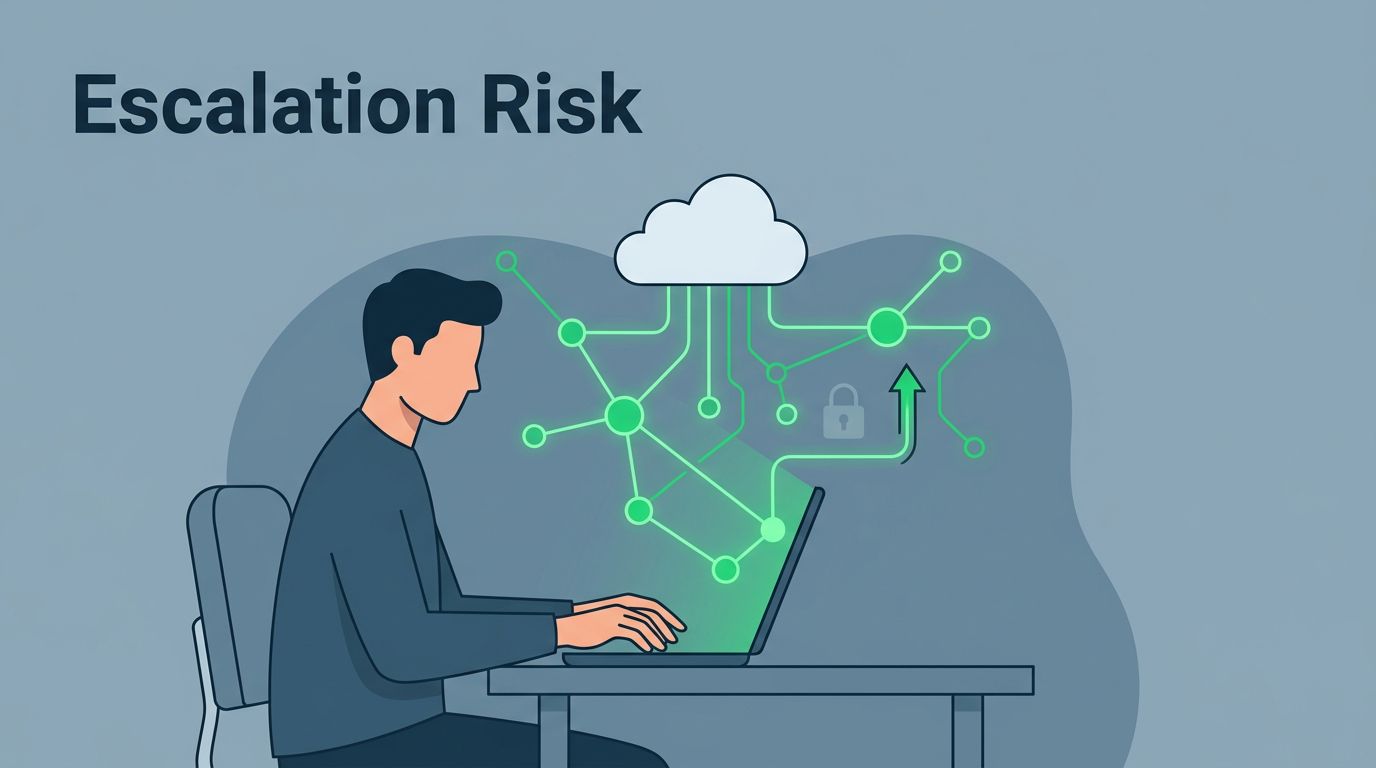
A single overlooked permission can turn a routine remote login into a full data breach. In 2026, privilege escalation risks hit remote teams hard, with attackers using stolen credentials to climb from basic user access to admin control. Cloud flaws and weak remote setups make it easy.
You manage a distributed team. Home offices, contractors, and SaaS tools create blind spots. Hackers exploit them daily. Good news: targeted training equips you to spot and block these risks before they spread.
This post covers real scenarios, prevention basics, and practical training steps. You’ll leave with clear actions to protect your group.
Common Privilege Escalation Scenarios in Remote Teams
Remote work blurs lines between personal and company access. A team member shares a family laptop. They log into your CRM with admin rights. An attacker on that device grabs those credentials. Suddenly, they control customer data.
Over-permissioned SaaS tools rank high. Think Slack or Google Workspace. You grant a contractor full edit access for one project. They leave, but the permissions linger. Attackers find dormant accounts like these through infostealers. Recent trends show cloud consoles as prime targets, where permissive policies let low-level logins escalate fast.
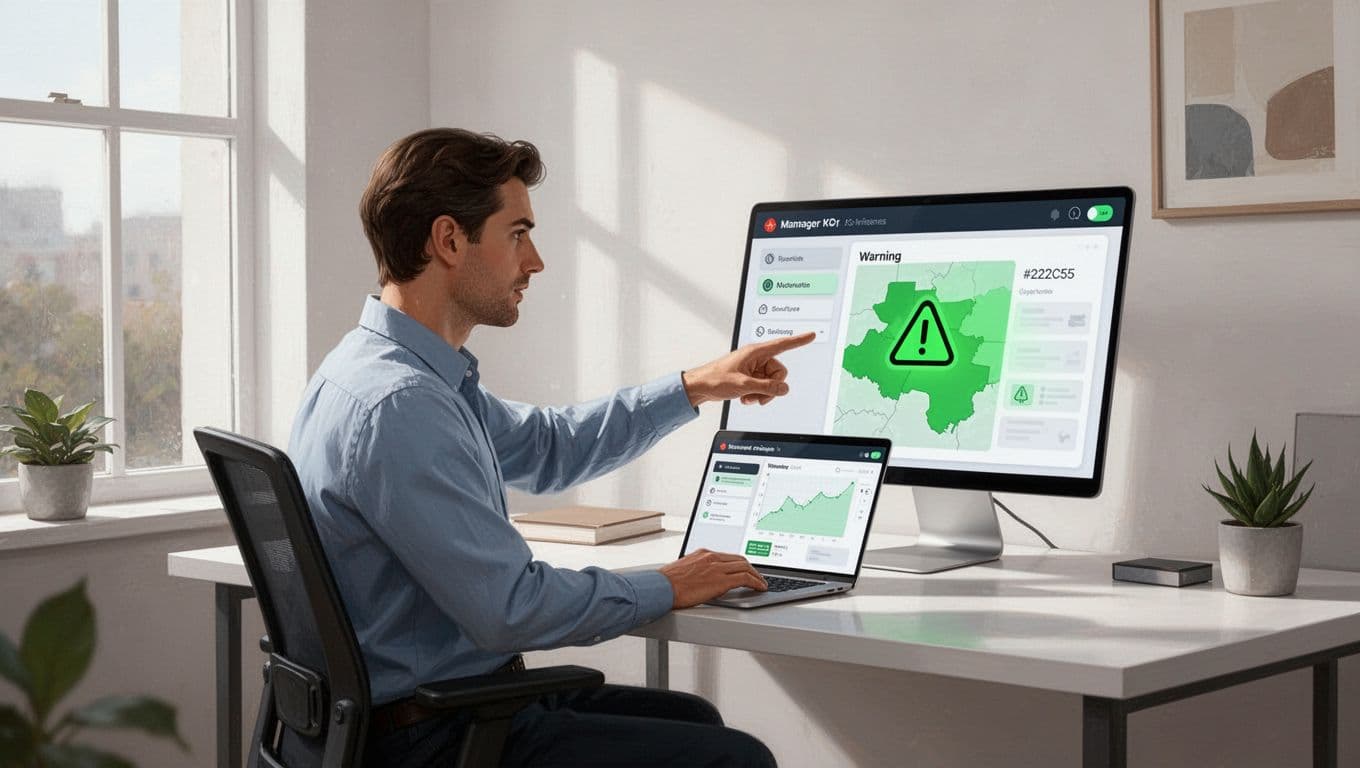
Shadow IT adds fuel. Employees grab unapproved apps for quick tasks. No IT oversight means default high privileges. A marketing lead uses a file-sharing service. It syncs to their home network. One phishing click, and escalation paths open wide.
Role changes create gaps too. Promote someone internally. Their old permissions stack on new ones. Without cleanup, they hold excess keys. Contractors pose similar issues. Short-term access often lacks expiration dates.
Approval workflows fail in hybrid setups. Urgent requests bypass checks. “Just give them admin for the weekend,” you say. Weekends turn into months. Home networks hide the damage. Visibility drops because VPN traffic masks odd patterns.
These scenarios hit 2026 hard. Linux container escapes and RDP zero-days exploit remote sessions. Managers see the signs first: unusual logins from new locations or shared devices.
Spot them early. Check team dashboards weekly. Question every permission grant. Your vigilance stops escalation cold.
Key Principles for Preventing Privilege Escalation
Least privilege forms the base. Grant only the access needed for the job. No extras. A salesperson views leads, not HR files. Review these quarterly. Cut what’s unused.

Separation of duties splits power. One person approves access. Another grants it. No single point controls everything. This blocks insider mistakes or malice.
Regular access reviews keep lists current. Offboard leavers instantly. Tie it to HR systems. Revoke dormant accounts. Tools automate this for global teams across time zones.
Enforce multi-factor authentication everywhere. VPNs and SSO add layers. Block personal devices for sensitive tasks. Use privileged access workstations for admin work.
Collaborate with IT. Share observations on odd patterns. They handle tech fixes. You focus on people risks.
For deeper remote work security tips, check this remote work security guide from Valydex. It covers simulations tailored to distributed teams.
These principles work because they match human habits. Train your team to live them. Risks drop when everyone questions “Do I need this access?”
Building an Effective Training Program
Start with short, regular sessions. Monthly 30-minute video calls fit busy schedules. Use quizzes and real examples. Make it interactive.
Cover basics first. Explain privilege escalation simply: low access turns high through mistakes. Use 2026 cases like cloud policy slips or RDP flaws. Relate to your tools.
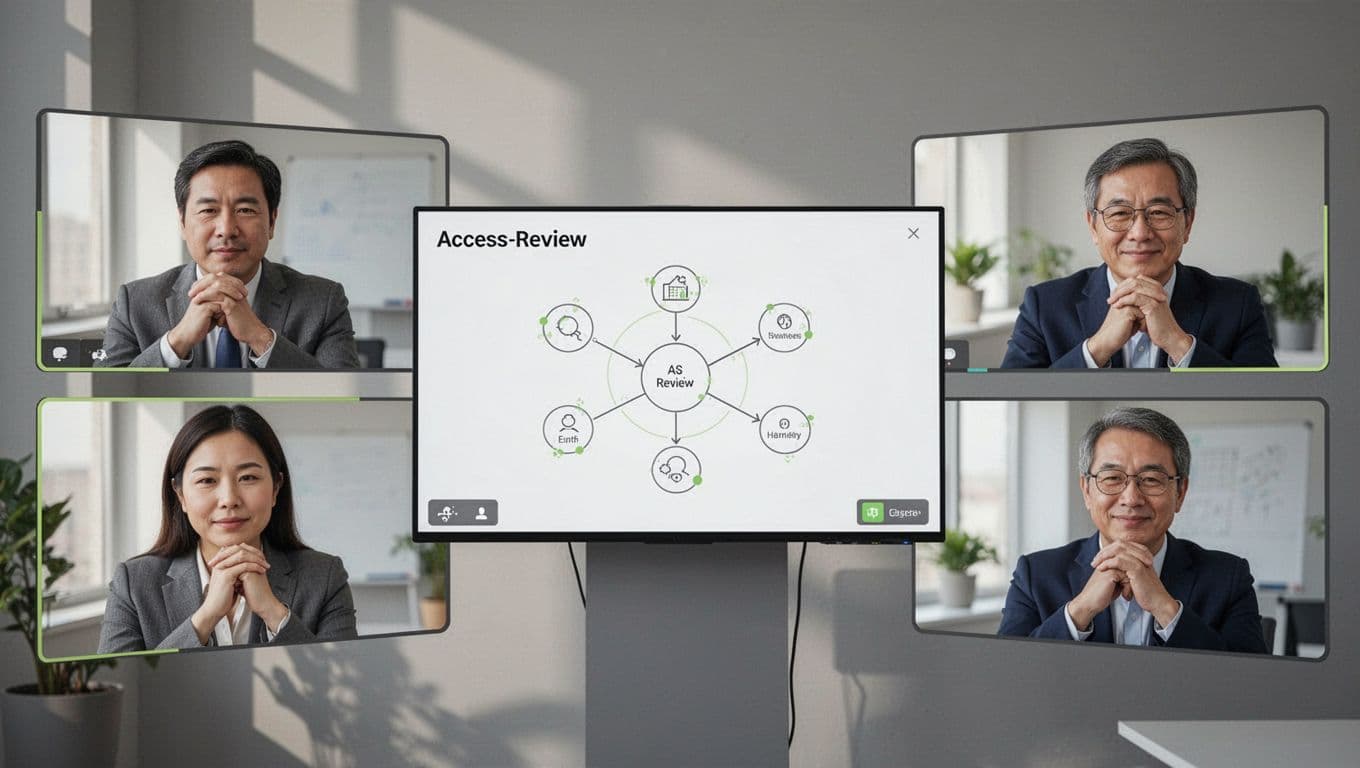
Role-play scenarios. “Your contractor requests full Drive access. What do you check?” Discuss approvals and expirations. Nodding heads in virtual calls build buy-in.
Tailor to remote life. Home device risks, SaaS shares, shadow apps. Run phishing sims quarterly. Focus on IT helpdesk fakes or MFA fatigue.
Track progress. Dashboards show completion rates. Follow failed sims with one-on-one chats. No punishment. Just quick refreshers.
Mix formats. Videos for self-paced learning. Live drills twice a year. Newsletters tie to news, like new kernel bugs.
This Teramind post on remote work security threats stresses role-specific training. It fits managers perfectly: VPN rules, password habits.
Partner with L&D or security teams. They supply content. You adapt for your group.
Results show fast. Click rates fall. Reports rise. Your team spots risks before IT does.
Managers’ Role in Daily Vigilance and Escalation
You lead by example. Audit your own access first. Share findings in team huddles. It normalizes checks.
Watch for red flags. Logins from unusual spots. Permission requests outside norms. Dormant accounts pinging active.
Report suspicions quick. Use ticketing systems. Don’t investigate alone. Let security pros dig.
Foster a report-friendly culture. Praise spots. No blame for close calls.
Offboarding checklists save time. Run them on day one of departures. Confirm with IT.
For offshore teams, schedule reviews across zones. Automate where possible.
This CyberBasics guide on remote work security gaps highlights manager tools and policies. It stresses training without overload.
When gaps appear, loop in experts. Book a Discovery Call with Bud Consulting for tailored security culture advice.
Your daily habits prevent most escalations. Stay alert. Risks stay low.
Conclusion
Privilege escalation risks thrive in remote setups, but trained managers shut them down. Least privilege, quick reviews, and vigilant reporting form your shield.
Teams with regular training see fewer incidents. You spot over-shares and dormant traps early.
Build these habits now. Your remote group stays secure. Hackers move on.