table of contents
Remote developers handle sensitive code and credentials from home offices or coffee shops. One stolen laptop or phishing click can expose your entire codebase. In May 2026, attacks target developer endpoints more than ever, with AI automating exploits like the recent ASP.NET Core flaw (CVE-2026-40372) that grants SYSTEM access.
You need controls that block threats without slowing commits or builds. These playbooks draw from current practices like zero trust and phishing-resistant MFA. They balance security with developer speed across macOS, Windows, and Linux.
Start with enrollment to lock down devices from day one.
Core Policies for Laptop Enrollment
Enforce remote developer laptop security through mandatory MDM or UEM enrollment. New hires get company-issued laptops, or BYOD users enroll personal ones. This lets you push configs, track posture, and wipe remotely.
Choose tools that support all OSes. VMware Workspace ONE UEM manages Windows, macOS, Linux, and more from one console. For Linux-focused teams, Smallstep handles certificate-based identity without exceptions.
Set these policies during onboarding:
- Require full-disk encryption: BitLocker on Windows (Pro+), FileVault on macOS, LUKS on Linux.
- Disable local admin rights by default. Developers request elevation via ticketing.
- Block USB storage and unauthorized peripherals.
- Enforce screen lock after 5 minutes idle.
On macOS, use DEP for zero-touch enrollment. Windows needs Intune or Jamf Pro. Linux varies; Ubuntu uses Landscape or Canonical’s tools.

Test enrollment in staging. Developers complain if it blocks tools like Homebrew or Docker. Allow exceptions for vetted apps via allowlists.
Common mistake: Skipping BYOD policies. Unmanaged personal devices bypass controls. Audit quarterly; revoke access for non-compliant ones.
This foundation prevents data leaks even if a laptop vanishes.
Phishing-Resistant Authentication Playbook
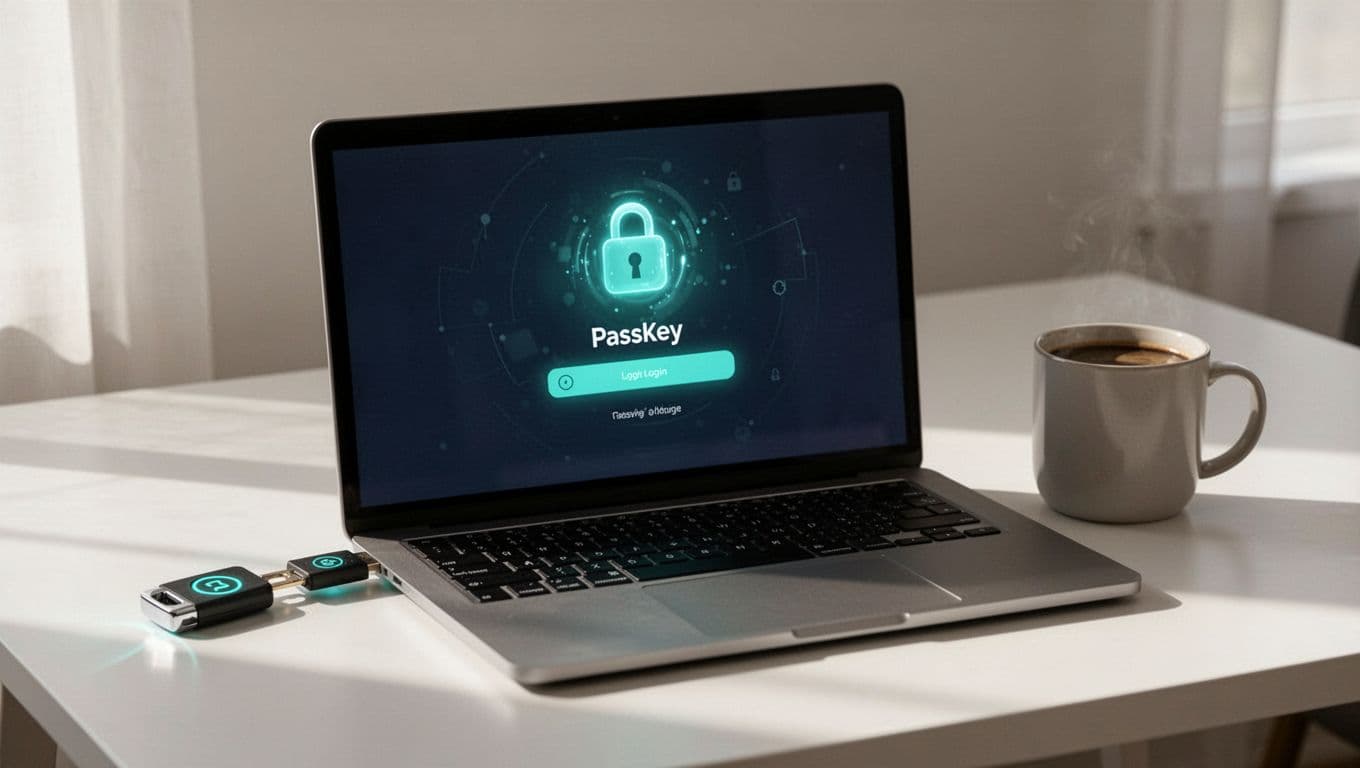
Passwords fail against AI phishing kits. Shift to passkeys and hardware keys for logins. These bind credentials to devices and domains, stopping replay attacks.
Require phishing-resistant MFA everywhere: GitHub, AWS, email, VPN. Use FIDO2/WebAuthn passkeys first. Platform passkeys store in OS keystores; roaming ones need YubiKeys.
Steps to roll out:
- Pilot with admins. Issue YubiKey 5C NFC for USB-C laptops.
- Integrate with IdP like Okta or Entra ID. Enforce for privileged access.
- macOS: Native Touch ID passkeys. Windows: Windows Hello. Linux: PAM with FIDO2 modules.
- Fallback to TOTP only if needed; phase out SMS.
For details on migration without lockouts, check this passkeys rollout plan for 2026.
Developers love the speed; no more app fatigue prompts. Block non-resistant methods for admins. Train on “tap your key” during onboarding.
Mistake to avoid: Shared credentials. Use ephemeral sessions and recertify access every 90 days.
Patching and Vulnerability Management
Delayed patches invite exploits like Apple’s dyld bug (CVE-2026-20700), hit in targeted attacks. Automate updates to close gaps fast.
Target 48-hour rollout for criticals. Use MDM to enforce.
OS-specific steps:
| OS | Tool/Command | Policy |
|---|---|---|
| macOS | Jamf/MDE, softwareupdate -i -a | Auto-install weekly |
| Windows | Intune/WSUS | Monthly Patch Tuesday |
| Linux | unattended-upgrades (Ubuntu) | Daily kernel Livepatch |

Scan continuously with tools like Microsoft Defender or CrowdStrike. Integrate CTEM for attack path prioritization.
Defer dev-disrupting patches during sprints; notify 24 hours ahead. Test in canary groups.
Recent trends show AI scanning vulns 24/7. Lag here triples breach risk.
Zero Trust Access Controls
Trust no device by default. Verify posture before resource access. This stops compromised laptops from reaching prod.
Use ZTNA like Twingate for app-level access. Gate with EDR signals: OS version, encryption status, no malware.
Playbook:
- IdP policies: Block if jailbroken (macOS), unsigned drivers (Windows), or SELinux disabled (Linux).
- Continuous checks every 8 hours.
- VPN only as fallback; prefer proxy-based ZT.
See how CrowdStrike EDR feeds ZT decisions.

Home setups vary; require firewall and DNS filtering. Developers access Git via posture-approved proxies.
Avoid full-network VPN; it creates flat risks. Measure with quarterly red-team tests.
Endpoint Detection and Response Setup
EDR watches for anomalies like ransomware or credential dumps. Deploy on all laptops; it’s table stakes in 2026.
Choose CrowdStrike Falcon, SentinelOne, or Defender for Endpoint. Linux support matters; enable AppArmor/SELinux.
Config checklist:
- Behavioral blocking for unsigned binaries.
- Exploit protection for dev tools (Node, Python).
- Cloud integration for remote IR.
For developer-specific EDR, try StepSecurity’s IDE monitoring.
Alert on high-severity events only. Auto-quarantine suspicious processes; let devs approve low-risk.
Balance: Whitelist build tools to cut noise. SOC reviews daily.
Secret Management and Developer Environments
Secrets in env vars or dotfiles leak easily. Use vaults and ephemeral creds.
Mandate 1Password or HashiCorp Vault. Rotate API keys weekly.
Secure envs:
- Docker: No root containers; scan images.
- VS Code: Extension allowlist via MDM.
- CI: Short-lived tokens.
Linux devs: SSH with ed25519 keys, no forwarding. Check this remote dev toolkit.
Ban local secret storage. Audit commits for leaks.
Mistake: Overprivileged local accounts run malware unchecked.
Avoid These Common Pitfalls
Overprivileged admins top the list. Standard users can’t install rogue drivers.
Weak remote access: Ditch RDP; use ZT gateways.
Unmanaged devices: Quarterly audits revoke shadow IT.
Public WiFi woes: Always VPN with kill switch. See the public WiFi checklist.
These kill productivity less than breaches do.
Implementation Checklist
Adapt this for your team. Run biweekly audits.
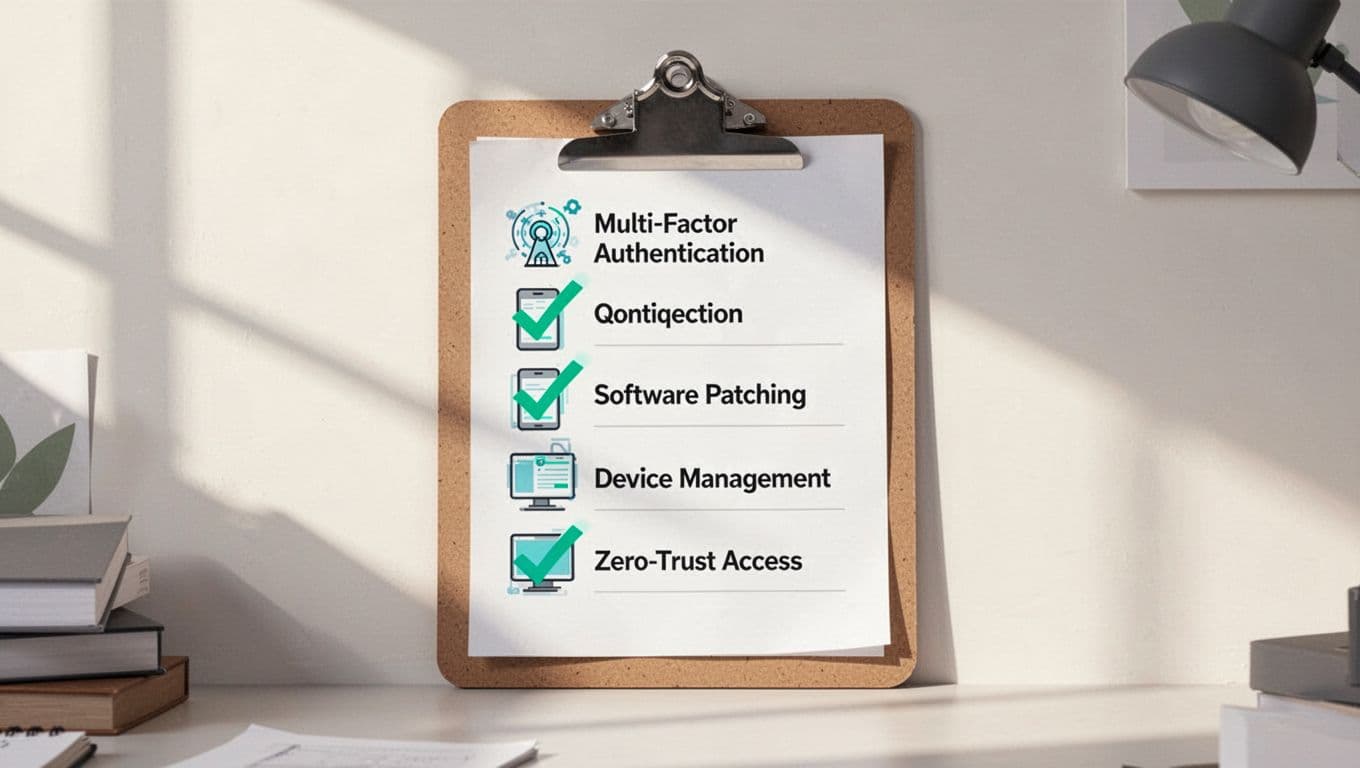
- Enroll all laptops in MDM; verify encryption.
- Deploy phishing-resistant MFA; issue hardware keys to seniors.
- Automate patching; test monthly.
- Enable EDR with dev whitelists.
- Set ZT posture gates for cloud/prod.
- Vault secrets; scan for leaks.
- Audit privileges; no local admins.
- Train on WiFi/VPN rules.
Track compliance in dashboards. For help scaling, book a discovery call with Bud Consulting.
Key Takeaways
Remote developer laptop security boils down to enrollment, auth, patches, and verification. These playbooks cut breach odds while keeping devs shipping code.
AI threats evolve fast, so audit quarterly. Your endpoints are the new perimeter. Start today; one playbook at a time builds the wall.
(Word count: 2487)